

While trying to add new device on our account it gives a bellow error message:
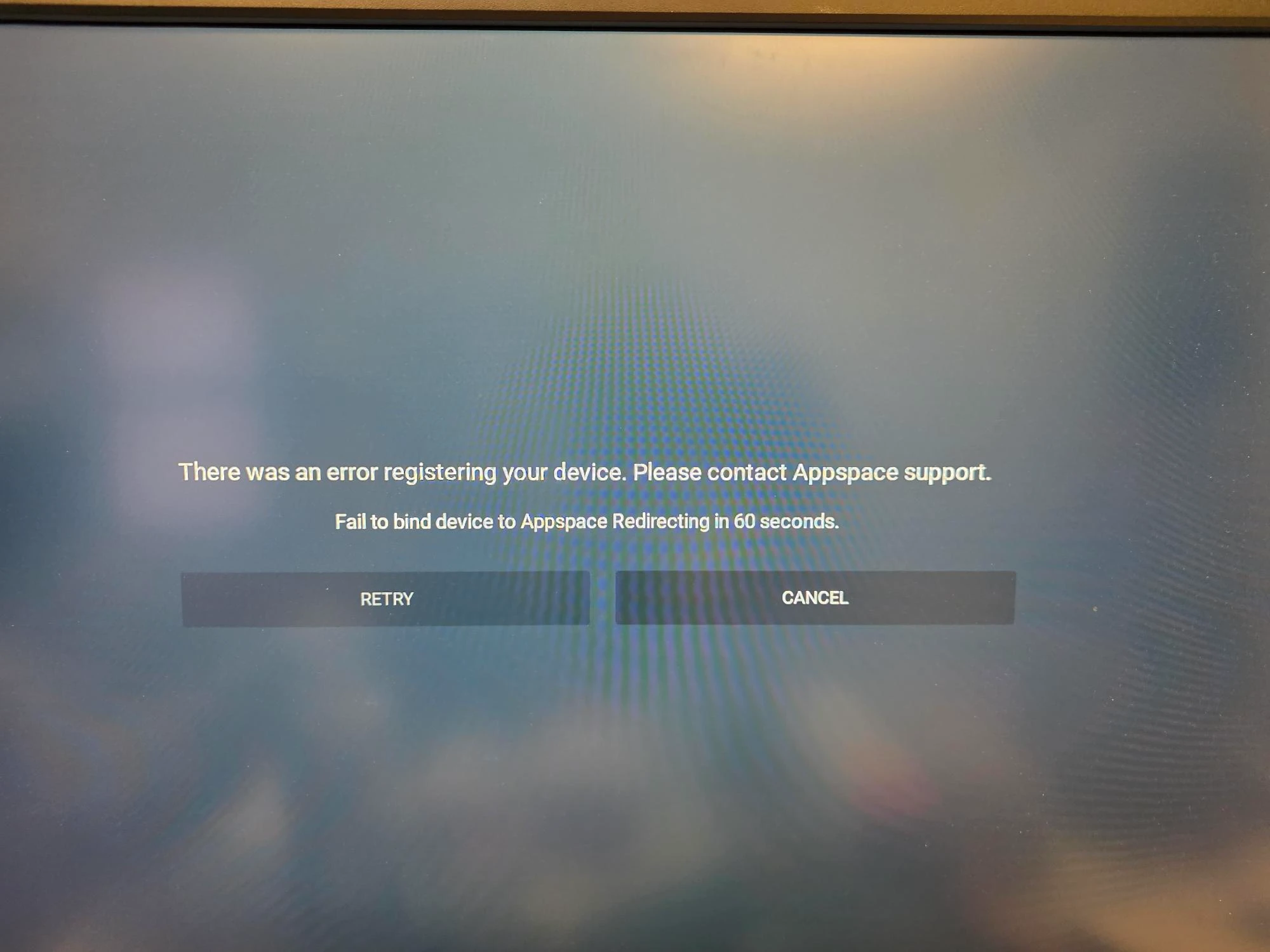
After this it loops back tries again and ends up on the same screen

Already have an account? Login
Partners: If you do not have an Appspace login, please contact community@appspace.com for assistance.
Appspace Employees Customers and PartnersPartners: If you do not have an Appspace login, please contact community@appspace.com for assistance.
Appspace Employees Customers and PartnersEnter your E-mail address. We'll send you an e-mail with instructions to reset your password.