
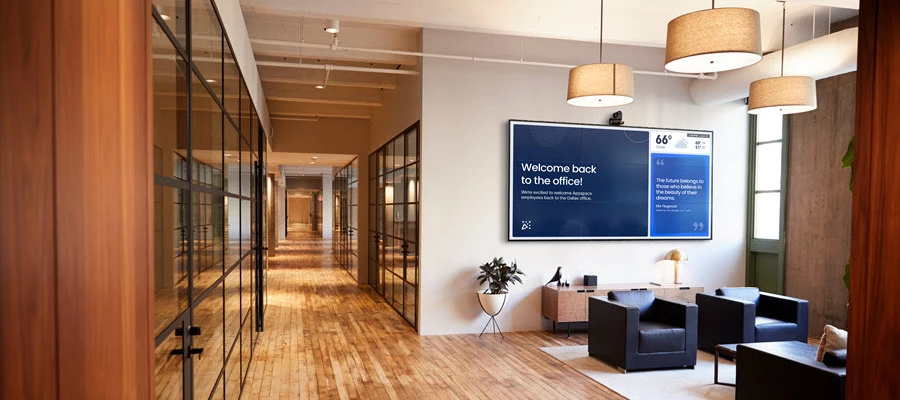




The modernized Signage Channel experience brings a more unified approach to creating, managing, and publishing digital signage in Appspace.
Whether you are just getting familiar with the changes or are ready to start working with Signage Channels, use the resources below to find the level of guidance you need.
Explore the Resources
1. Introduction to Modernized Signage Channels
New to the modernized experience? Start with the Introduction to Modernized Signage Channels for an overview of what is changing and how fullscreen and multizone signage workflows are evolving.
2. Modern Signage Learning Course
Ready for guided learning? Explore the Appspace Signage: Introduction to the Modernized Signage Channels for a more structured way to become familiar with the modernized experience.
Note: Unable to access Skillspace? Contact your Appspace Account Owner for assistance with access.
3. Signage Channels Overview
Looking for product guidance? Use the Signage Channels Overview as your starting point for understanding fullscreen and multizone workflows and finding related guidance for creating, configuring, and publishing Signage Channels.
4. Modernized Signage Channels FAQ
Have questions about the transition? Review the Modernized Signage Channels FAQ for answers about what is changing, existing channels, and what to expect as the modernized experience rolls out.
Not Sure Where to Start?
Begin with the introduction for the big picture, continue with the learning course for guided enablement, use the Signage Channels Overview when you are ready to work with the experience, and keep the FAQ handy for questions along the way.