Is anyone else experiencing a similar issue with BrightSign players (both Cobra and Malibu family)?
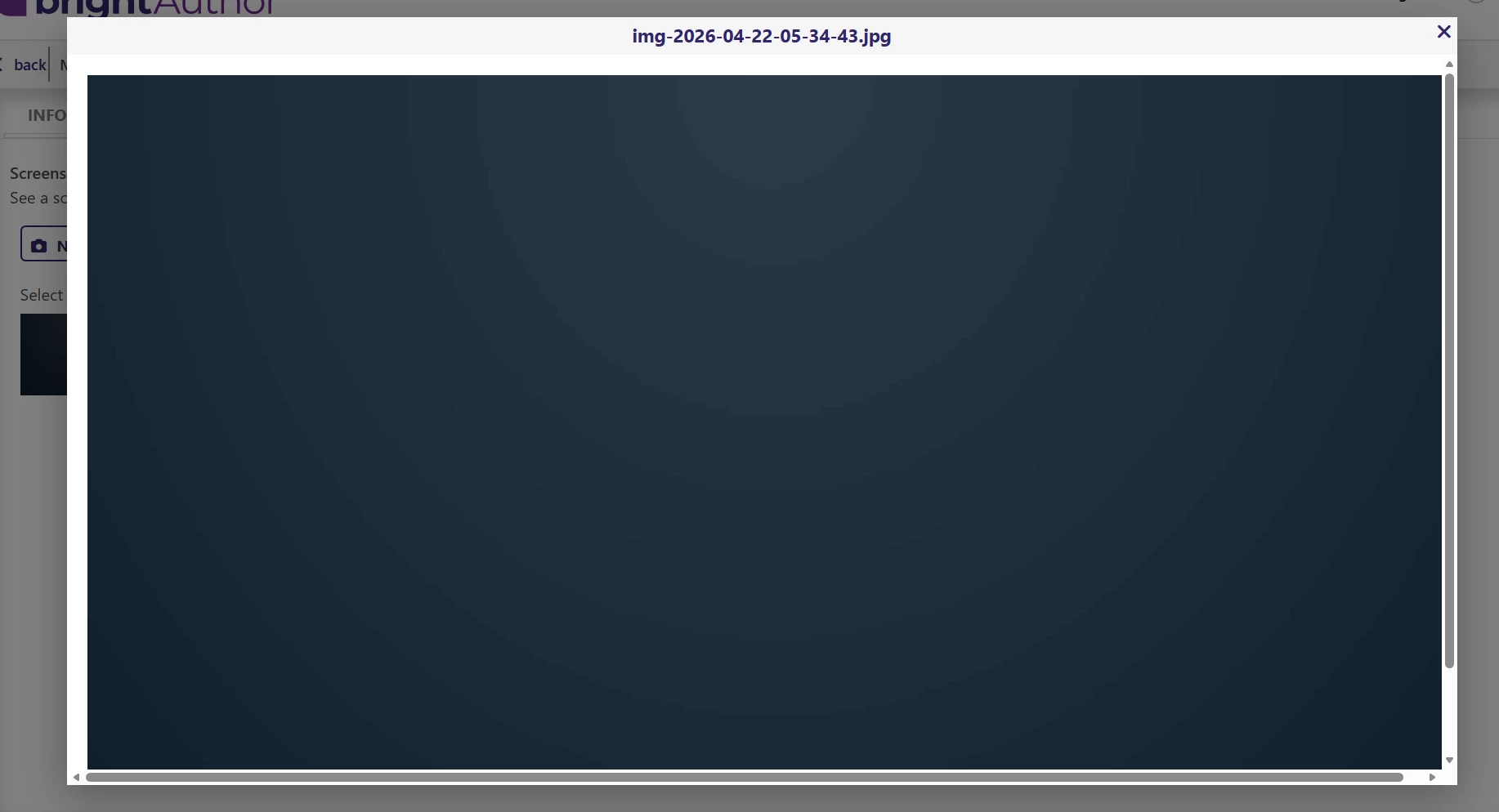
We’re seeing instances where the Appspace app fails to launch after a nightly reboot. The device remains on, but shows a content-less/blank screen like in the attached snapshot.
Symptoms we’re seeing:
- In Appspace, the device shows as offline / lost connection
- In BSN / BA Connected, the device shows as healthy and we can perform remote actions (reboot, software updates, screenshots, etc.)
- Rebooting and updating BrightSign OS/firmware (when available) does not bring Appspace back
- The temporary workaround is to re-provision the player via BSN Cloud / BA Connected, but this only works for players originally created via BSN
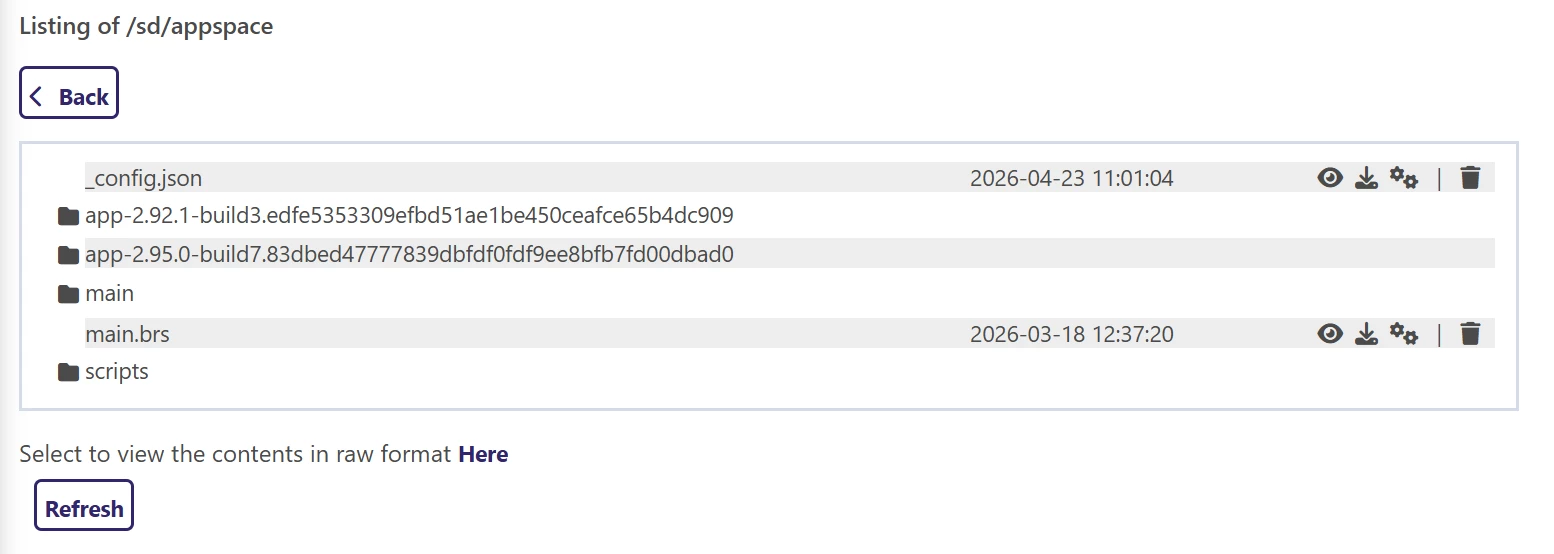
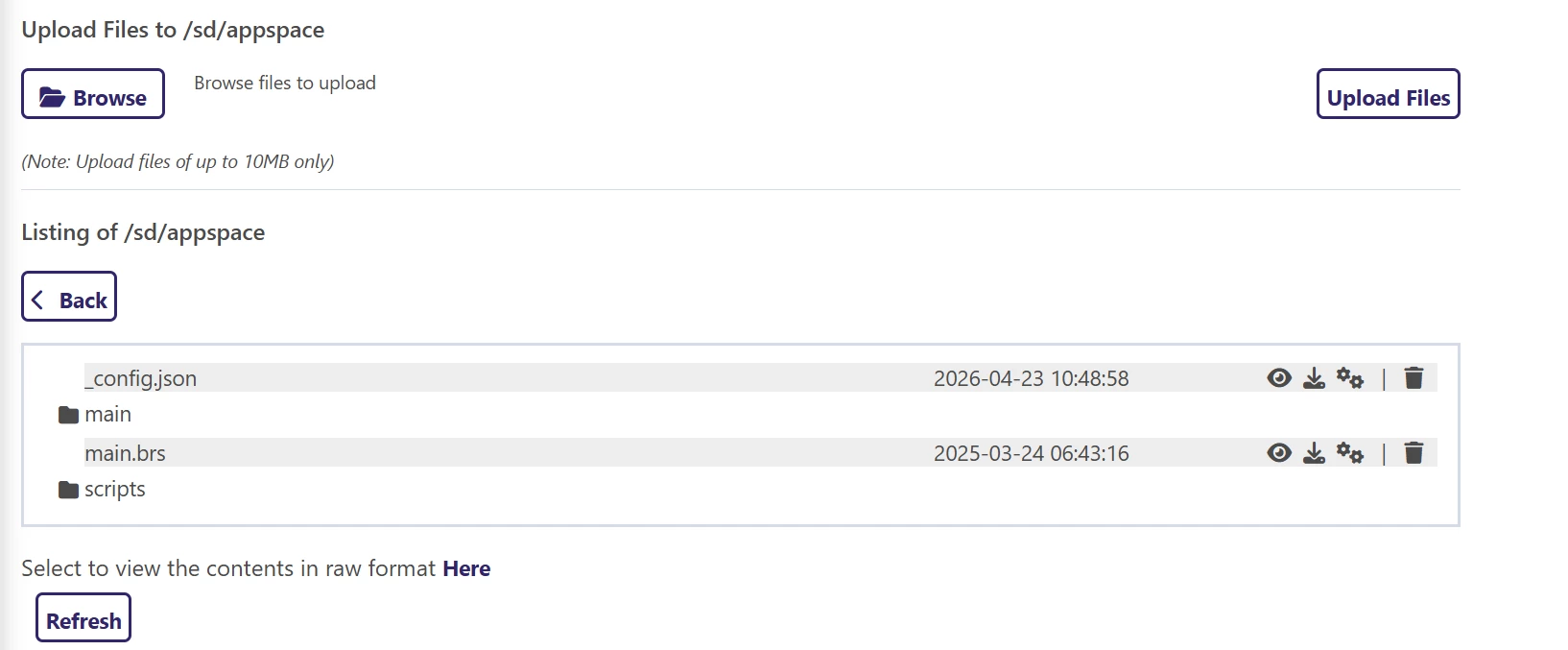
- Some of our players were created using the Appspace image and cannot be remotely re-provisioned, and they’re experiencing the same issue
Log information:
From the device logs on a player where Appspace has stopped, this is the last entry mentioning Appspace:
[ 61.978] BSPLAY: file:///appspace/main/index.html
[ 61.991] 2026-04-22 17:04:11:411 [33mwarning[39m: [33mroHtmlWidget: WARNING: Web security has been disabled. Origins are not checked.[39m
[ 62.078] 2026-04-22 17:04:11:411 [33mwarning[39m: [33mAllowJavaScriptURLs is deprecated and has been ignored since the browser window has been created. Please use the initialization parameter brightsign_js_objects_enabled instead[39m
[ 62.082] 2026-04-22 17:04:11:411 [33mwarning[39m: [33mAllowJavaScriptURLs is deprecated and has been ignored since the browser window has been created. Please use the initialization parameter brightsign_js_objects_enabled instead[39m
[ 62.088] + @@@Appspace|main.brs|Starting roDatagramReceiver @@@
[ 62.088] + @@@Appspace|main.brs|Resetting.. @@@
[ 64.495] JS.AutoUpgrade : INFO response: [object Object]
[ 64.496] JS.AutoUpgrade : INFO response json: {"result":{"available":[]}}
[ 64.496] JS.AutoUpgrade : INFO This firmware supports 0 different supervisors.
[ 66.422] + @@@Appspace|main.brs|Resetting.. @@@
[ 99.303] JS.Channel-BSN : ERROR checkWebSocketStability has failed. Attempting to restart websockets.
[ 99.308] JS.Channel-BSN : INFO BSN.cloud is enabled; New Local DWS is enabled, Remote DWS is enabled
[ 99.314] JS.websocket-player : INFO Creating WS listener
[ 100.609] JS.websocket-player : INFO { 2026-04-22T20:04:50.187Z} WS connection open
[ 100.610] JS.player-register : INFO Received a websocket connection, try registration
[ 100.625] JS.player-register : INFO checkForRegistration: Device is already registered
[ 203.552] Autorun.status : INFO sending status request
[ 203.753] JS.websocket-player : INFO sendWsRequest (sync.status.request)
[ 503.554] Autorun.status : INFO sending status request
[ 503.693] JS.websocket-player : INFO sendWsRequest (sync.status.request)
[ 803.556] Autorun.status : INFO sending status request
[ 803.694] JS.websocket-player : INFO sendWsRequest (sync.status.request)
[ 1103.556] Autorun.status : INFO sending status request
[ 1103.707] JS.websocket-player : INFO sendWsRequest (sync.status.request)
[ 1403.557] Autorun.status : INFO sending status request
[ 1403.694] JS.websocket-player : INFO sendWsRequest (sync.status.request)