The Profile Photo and Banner fields settings are available within the User Profile Settings. These features allow organizations to enhance personalization and visual identity across the Appspace platform by providing flexible management options for user imagery. Administrators can define how these visual elements are sourced and updated, whether through manual uploads by users and admins or via automated synchronization with external identity providers.
Both the Profile Photo and Banner settings can be accessed from Users > Settings > User Profile.

Profile Photo Management
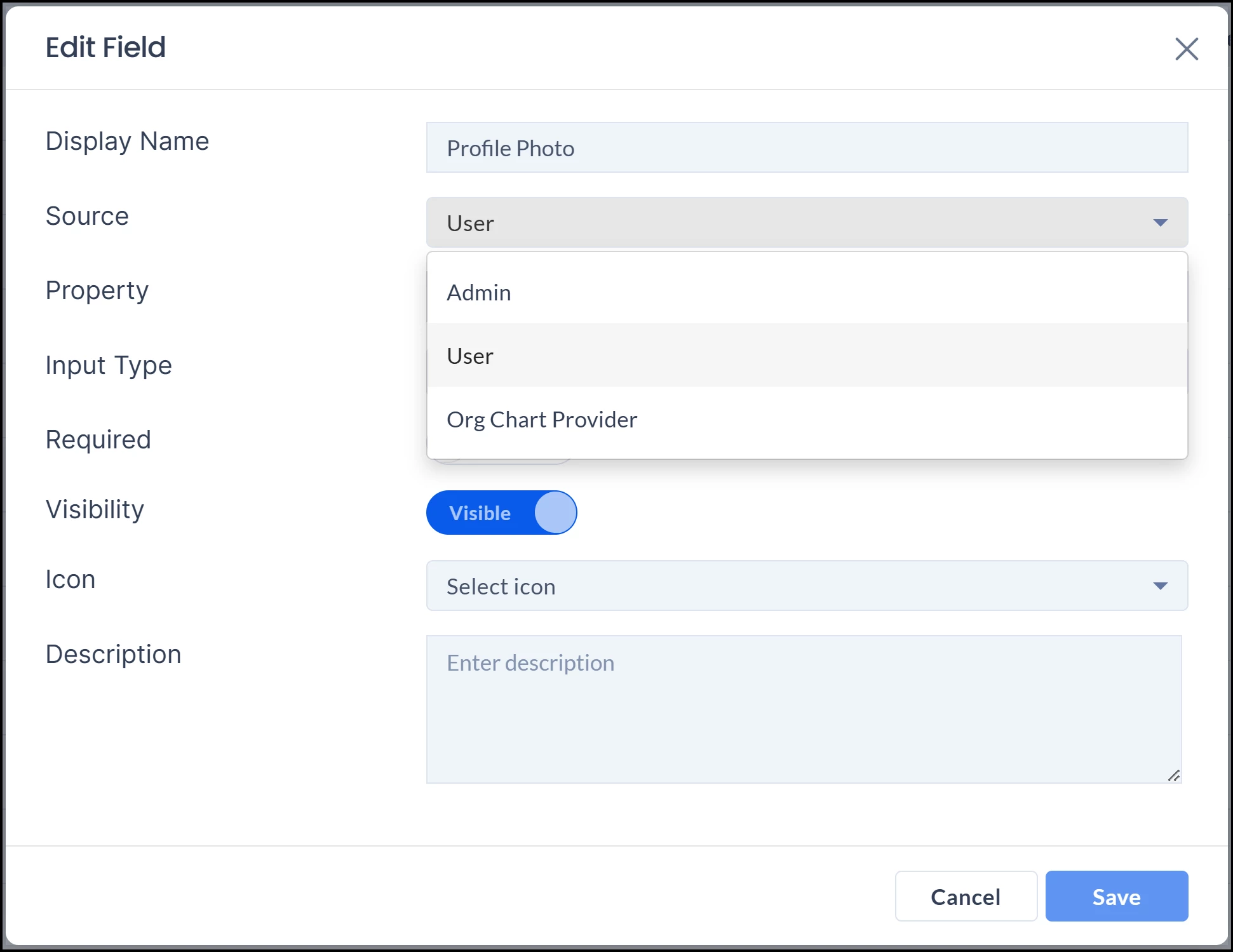
Administrators can leverage flexible sourcing by choosing between manual uploads or automatic synchronization with Microsoft Entra ID (Azure AD). This selection determine editability of the user’s profile photo, as access permissions are dynamically determined by the chosen source, either granting upload rights to users, restricting them to admins, or automating the process via an organizational provider. The following are the three options specified within the settings:
-
User: Allows individual users to upload and manage their own photos.
-
Admin: Restricts photo uploads to administrators only.
-
Org Chart Provider: Automates the process via sync, ensuring consistency with organizational directories.
User Profile Banners
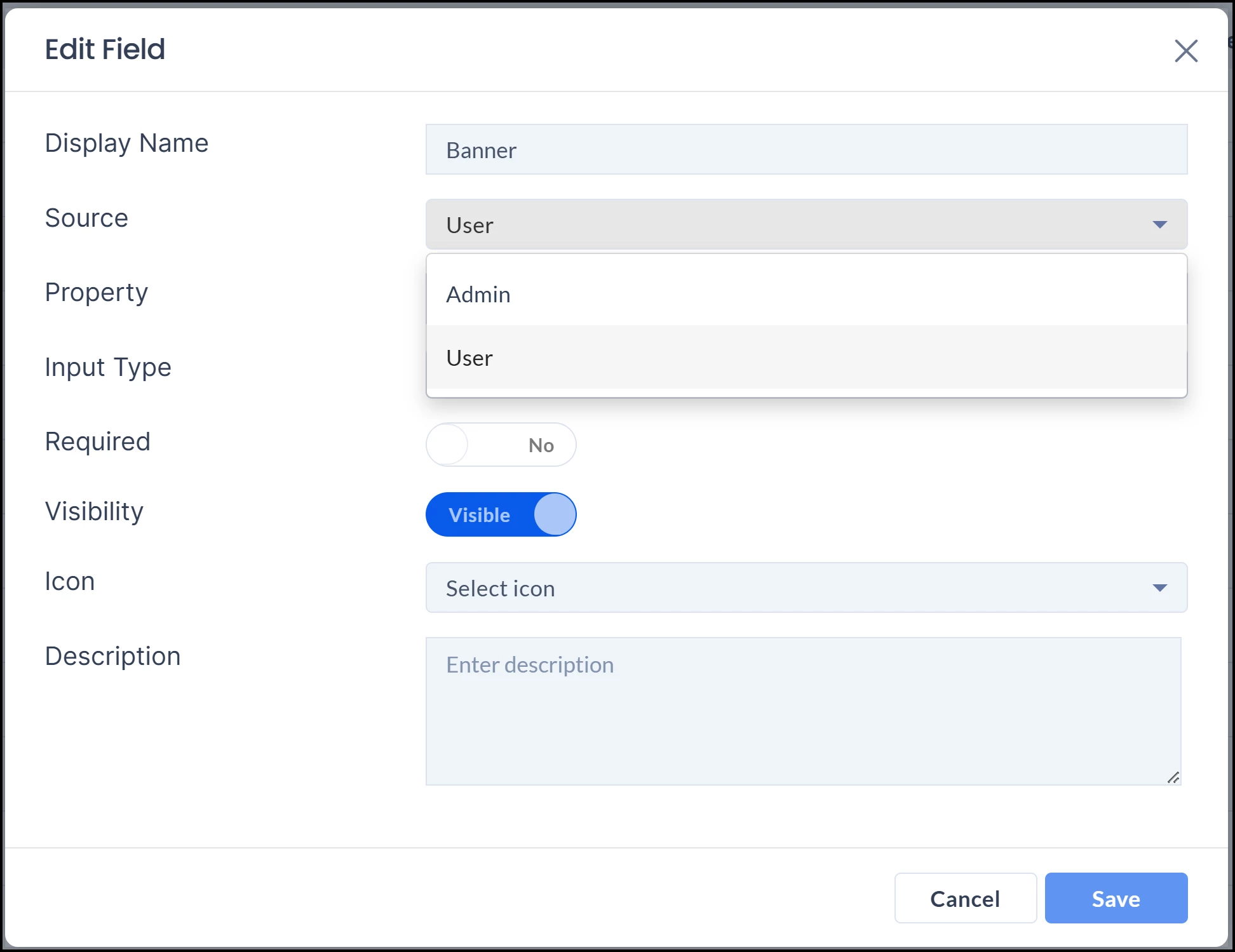
Administrators can customize the management of the profile banner by selecting a designated source, which dictates the permission to upload and modify these visual assets. To maintain system integrity and consistency, all other field properties—including Display Name, Property, Input Type, Requirement status, Visibility, Icon, and Description—are set to a read-only state and cannot be modified. When editing the Banner field settings, the following are the two options specified within the settings:
-
User: Allow users to select and upload their own profile banners.
-
Admin: Restricts photo uploads for the banner to administrators only.