
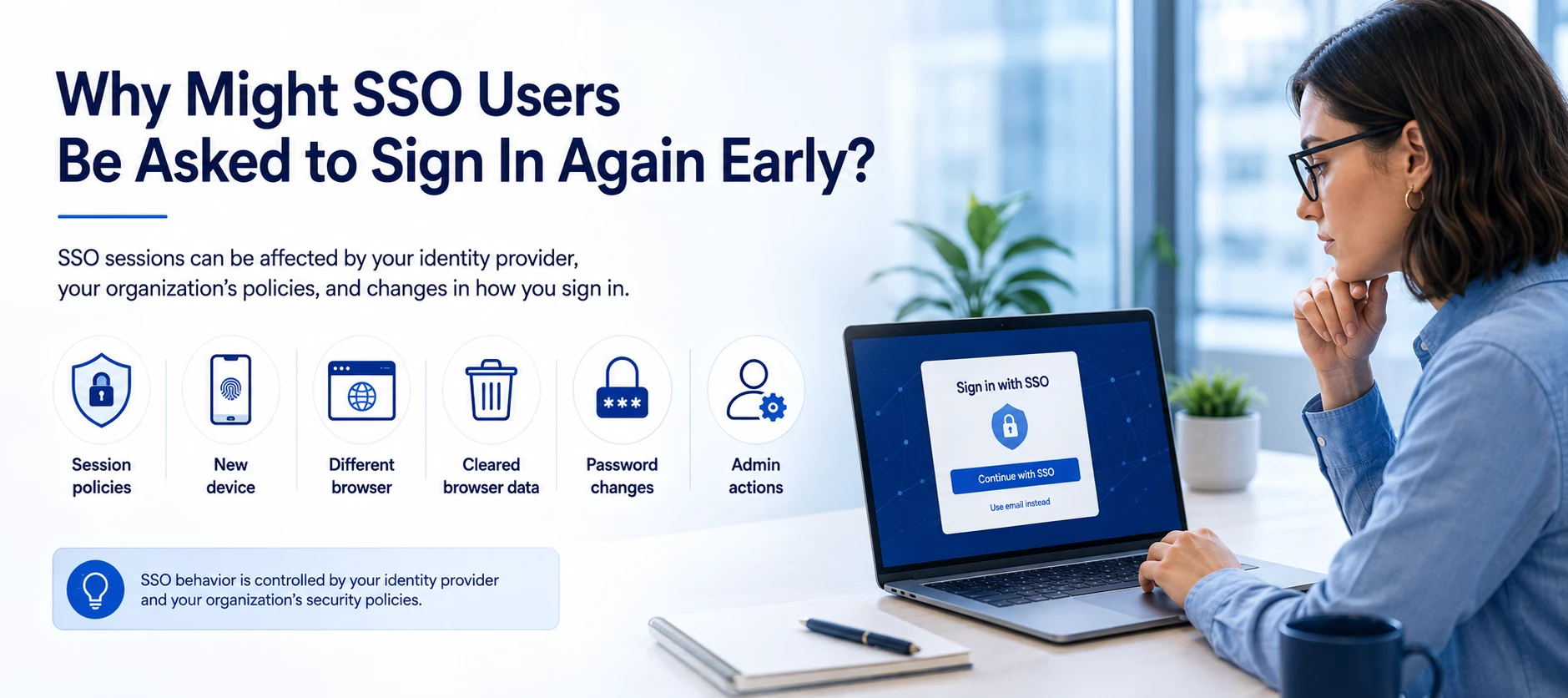




When Single Sign-On (SSO) is configured to require authentication every 30 days, users will typically remain signed in for that duration. However, there are situations outside of Appspace that can cause a user to be prompted to sign in again before the 30-day period has expired.
Common Reasons You May Be Asked to Re-authenticate
In most cases, an unexpected sign-in prompt is caused by your identity provider (IdP), browser, or device rather than Appspace itself.
- You're using a new device. Signing in from a different computer, mobile device, or workstation may require a new authentication session.
- You're using a different browser. Each browser maintains its own authentication session, so switching from Chrome to Edge, Safari, Firefox, or another browser typically requires signing in again.
- Your browser data was cleared. Clearing cookies, cached site data, or using browser settings that automatically remove cookies can invalidate your existing session.
- You're using a private or incognito browsing session. Private browsing sessions don't retain authentication information after the session ends.
- Your organization's identity provider requires it. Security policies configured in providers such as Microsoft Entra ID (Azure AD), Okta, Ping Identity, or Google Workspace can require users to authenticate more frequently than the Appspace setting.
- Your administrator changed security policies. Updates to Conditional Access, Multi-Factor Authentication (MFA), risk-based sign-in policies, or session lifetime settings may trigger a new sign-in.
- Your session was revoked. An administrator may manually revoke active sessions, reset credentials, or require users to sign in again after an account or security change.
What Appspace Controls vs. What It Doesn't
| Controlled by Appspace | Controlled Outside Appspace |
|---|---|
| Configured SSO re-authentication interval (for example, every 30 days) | Identity provider session lifetime policies |
| Application sign-in experience | Conditional Access and MFA requirements |
| Browser cookies and cache | |
| Using a new device or different browser | |
| Administrator session revocation or password changes |
Troubleshooting
Issue: Users are prompted to sign in before the configured 30-day interval.
What to check:
- Confirm whether the user is signing in from a new device or a different browser.
- Ask whether browser cookies or cached data were recently cleared.
- Verify the user is not using a private or incognito browsing session.
- Review your identity provider's session lifetime and Conditional Access policies.
- Check whether an administrator recently reset passwords, revoked sessions, or modified authentication policies.
If none of these scenarios apply, contact your Appspace administrator or support team with details about the user's environment, browser, identity provider, and the approximate time the re-authentication occurred.