



Meet Your Appspace Assistants: A Catalog of Out-of-the-Box AI System Assistants
The Appspace Intelligence ecosystem features a suite of specialized, AI-powered system assistants designed to enhance workplace productivity by supporting routine tasks and providing data-driven insights.
These tools, ranging from the Knowledge Assistant for information retrieval and the Analytics Assistant for data analytics to the Article Builder for content creation and the Connector AI agents for automated data processing, work together to streamline navigation, decision-making, and content management across the platform.
By leveraging live, platform-specific data, these assistants act as reliable companions that help users efficiently manage their digital environment without replacing human judgement.
To view available assistants, you must be an Account Owner with Appspace Intelligence enabled.
- Open the Navigation in the Admin Console.
- Roll over Settings and select Assistants.
If you do not have Appspace Intelligence enabled, please refer to the Configure Appspace Intelligence Settings article to learn how to set up and begin using your AI tools.
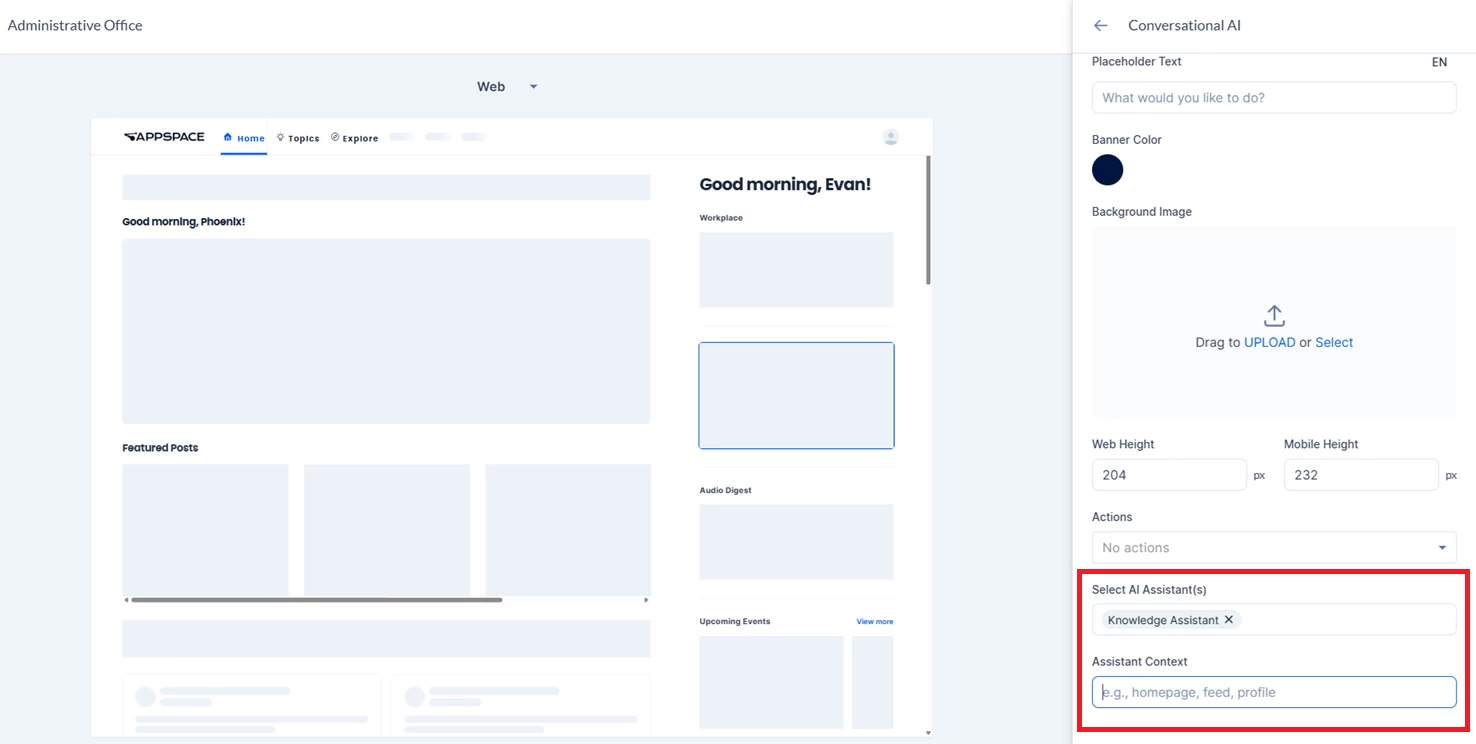
Assistants can be accessed via the AI Assistant icon in the bottom-right of particular platform areas, or they can be selected and given context when configuring the Conversational AI homepage widget.
The Knowledge Assistant is an AI-powered search and information tool embedded within the platform. It helps users quickly locate information, surface relevant content, and navigate the intranet without manual searching. Rather than replacing human judgement, it acts as a reliable, always-available research companion that draws directly from the platform's live data.
Example Use Cases:
- Finding internal news and announcements: A staff member asks, "What are the latest company announcements from this week?" The assistant searches across all channels and content types, surfaces the most relevant posts, and presents them with direct links — saving time spent browsing multiple feeds.
- Locating subject-matter experts: An editor asks, "Who on staff has written about data privacy policy?" The assistant identifies authors who have published content on that topic and returns their profiles for direct follow-up.
- Discovering channels and communities: A new employee in the Product team asks, "What channels should I follow for technology and product updates?" The assistant surfaces the most relevant feeds by subscriber count and topic relevance.
- Booking and workspace queries: A staff member asks, "Are there any available meeting rooms in my building this afternoon?" The assistant checks real-time room availability and returns bookable options with capacity and amenity details.
- Summarising feed activity: A manager asks, "What has been discussed in the Editorial Operations channel recently?" The assistant retrieves recent posts and synthesises a coherent summary of themes and key updates — without requiring the manager to read every individual post.
- Finding information: A staff member asks, “What’s the current expense policy?” The assistant searches relevant content, people, or spaces and provides the requested information along with citations.
The Analytics Assistant (also known as the Workplace Insights Assistant) is an analytical tool developed as part of Appspace Intelligence. Its primary function is to help organizations understand their digital and physical workplace dynamics by analyzing data across content engagement, workspace reservations, visitor activity, and user behavior. It transforms complex platform data into clear answers, structured visualizations, and actionable insights to drive better decision-making and operational efficiency.
Example Use Cases:
- Workspace Utilization Analysis: Evaluating office booking trends to determine which buildings, floors, or neighborhoods have the highest desk utilization rates, or identifying underutilized conference rooms to optimize real estate.
- Content Reach and Engagement Tracking: Measuring the performance of internal communications by analyzing how many unique users viewed, scrolled through, or reacted to specific announcements, channels, or company-wide campaigns over a given period.
- Visitor Traffic Summaries: Tracking visitor flows by comparing the number of expected guests versus actual physical check-ins at a specific office location to help front-desk and security teams anticipate daily volume.
- AI Adoption Monitoring: Analyzing how employees are leveraging built-in AI tools, such as the volume of AI-generated text and images or the number of active conversations with AI assistants across different departments.
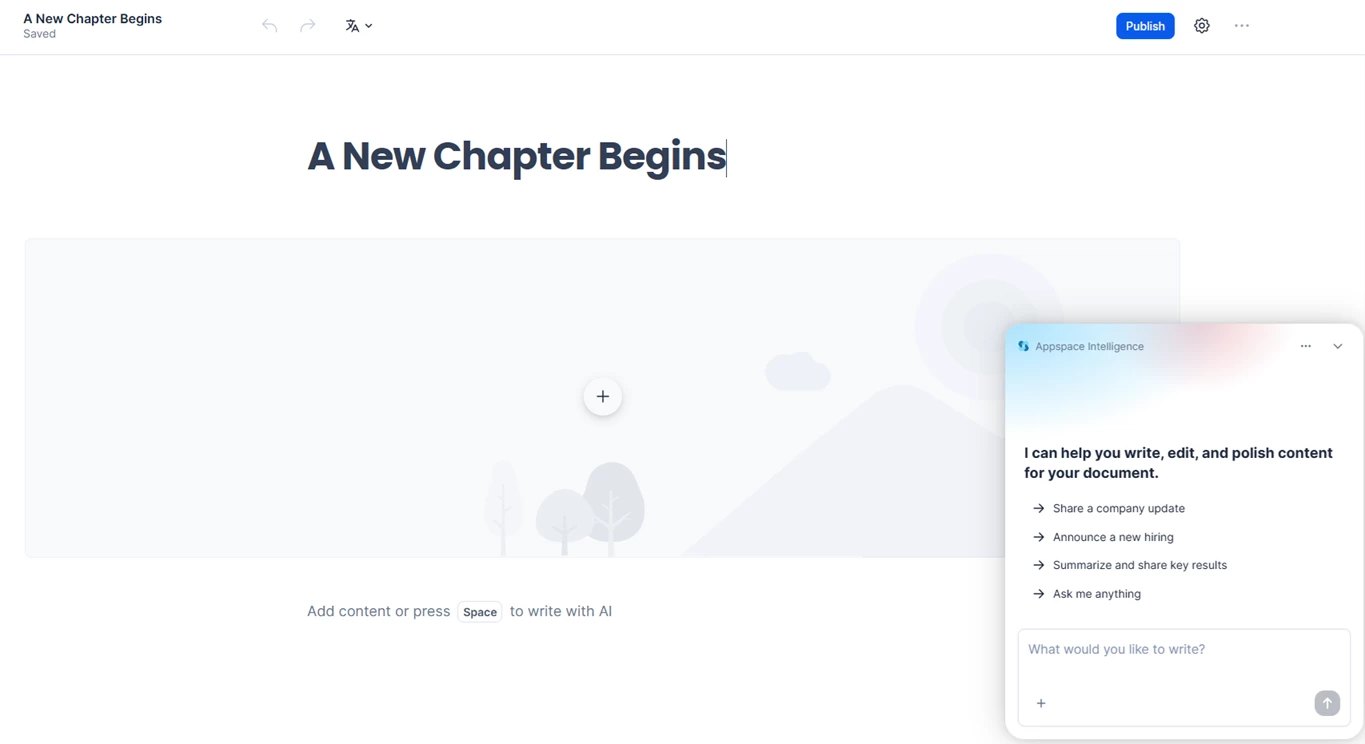
The Article Builder Assistant is a specialized AI companion within the Appspace Intelligence system, created by Appspace. It operates directly inside the platform's rich text editor to help users seamlessly create, format, and refine content for Pages, Stories, and Newsletters. The Assistant can build entirely new articles from scratch, perform surgical edits on existing text, insert rich media components, manage document translations, and act as a brainstorming partner for content strategy.
Example Use Cases:
- Generating Complete Articles: A user can provide a short brief, and the Assistant will generate a fully structured draft—complete with a title, formatted headings, bullet points, and an AI-generated banner image.
- Targeted Editing and Tone Adjustment: A user can ask the Assistant to rewrite a specific paragraph to be more concise, adjust the tone to be more formal, or fix spelling and grammar issues without altering the rest of the document.
- Rich Media Insertion: The Assistant can instantly insert structural and visual elements into an existing article, such as multi-column layouts, interactive callout boxes, toggle lists, or inline AI-generated images.
- Document Translation Management: The Assistant can create, automatically synchronize, and manage different language variations of a primary document (e.g., setting up and syncing a French or German translation of an English newsletter).
- Content Brainstorming and Guidance: Even without modifying the document, a user can ask the Assistant for writing advice, such as the best structure for a company-wide policy update or tips on writing engaging headlines.
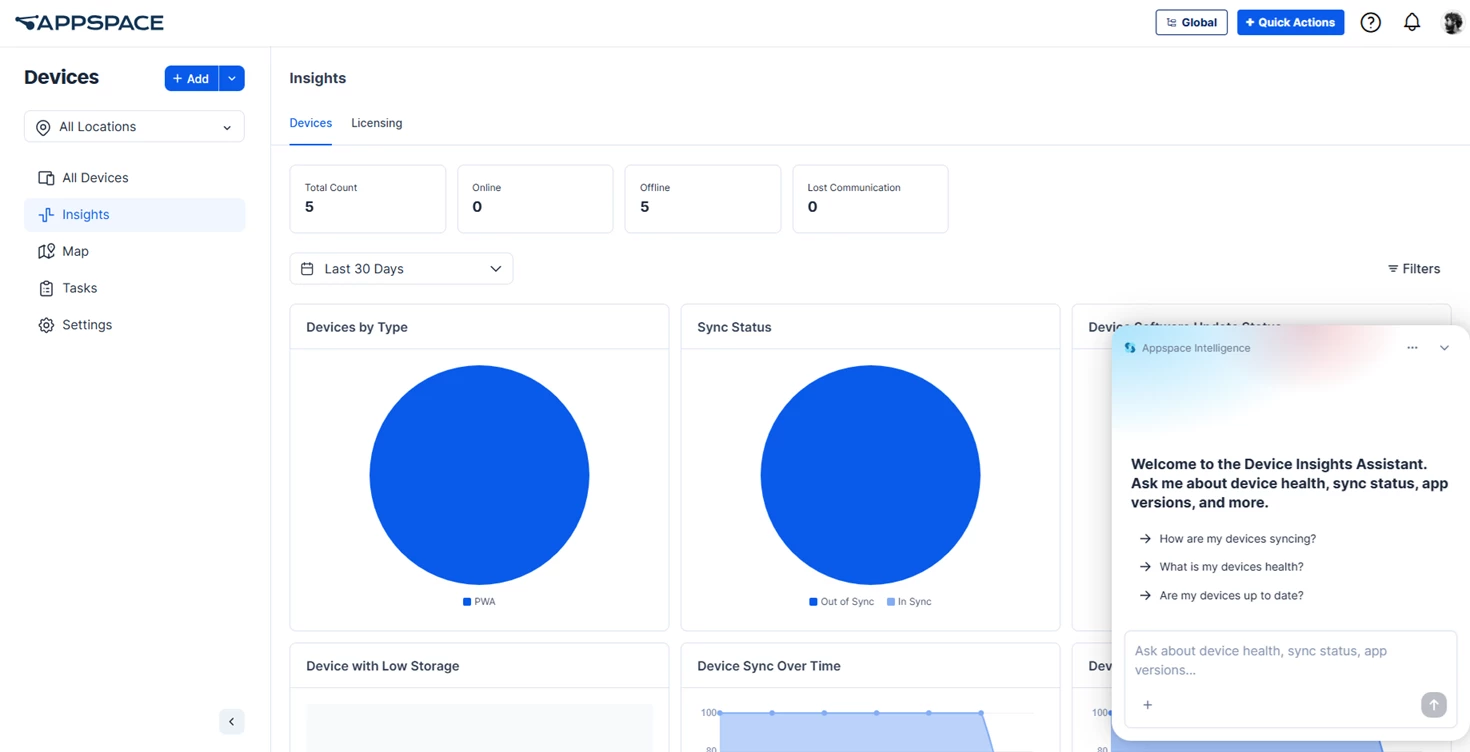
The Device Management Assistant is designed to help efficiently manage and register devices across the Appspace platform. It can retrieve detailed device information, monitor health and sync statuses, and guide users step-by-step through the 6-digit code registration process to bring new screens online.
Example use cases::
- Device Registration: Guiding users through registering a new device using a 6-digit code, including assigning it to the correct network, device group, and channel.
- Health Monitoring: Retrieving a summary of a device fleet's status to quickly identify how many screens are online, offline, or need attention.
- Sync & Update Checks: Identifying which devices are out of sync with their content or running out-of-date software that requires an update.
- Targeted Device Search: Finding a specific device or group of devices by searching for their name, MAC address, IP address, or assigned tags.
- Resource Lookup: Fetching lists of available channels, device groups, or networks to help prepare for bulk deployments or new registrations.
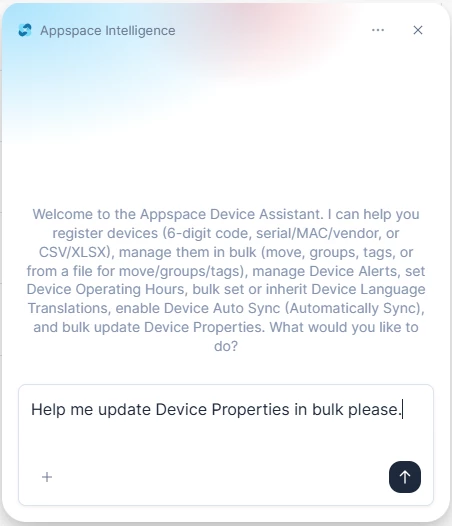
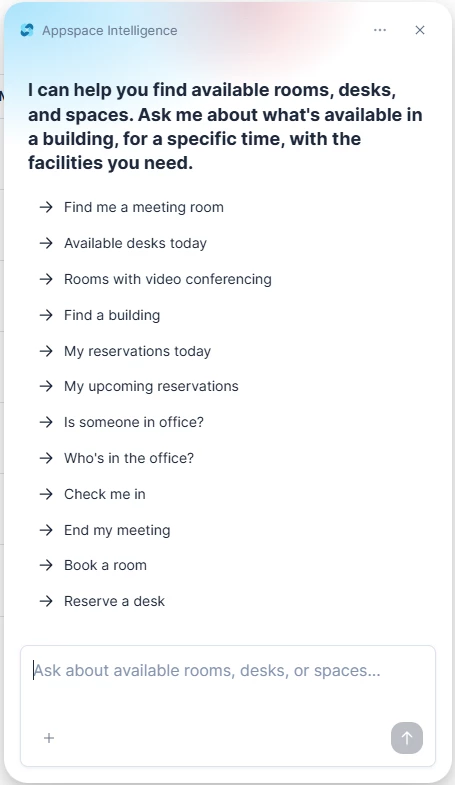
The objective of the Appspace Reservation Assistant is to help users seamlessly discover, book, and manage workspace resources like meeting rooms and desks based on your specific needs. Additionally, I provide visibility into a team's office presence so users can easily coordinate in-person collaboration and register their own office days.
Example use cases:
- Booking a workspace: "Find an available conference room for 4 people with a whiteboard in the Administrative Office tomorrow from 2:00 PM to 3:00 PM."
- Managing a user’s schedule: "Show me my upcoming reservations for today."
- Checking into or ending meetings: "Check me into my current reservation," or "End my active meeting room reservation."
- Checking colleague presence: "Is Lancaster Dodd in the office this Thursday?"
- Viewing team presence & joining the office: "Who from my team is working in the office this week?"
The Connector AI Extractor Assistant is an Appspace Intelligence assistant created by Appspace. Its primary function is to evaluate raw source data to identify and extract per-item external IDs, titles, and URLs, returning them exclusively as a structured JSON array.
Example Use Cases:
- News Feed Processing: Extracting articleId, headline, and canonicalUrl from a raw JSON news feed payload.
- Blog Aggregation: Identifying guid, title, and link fields from a list of RSS or JSON blog items.
- Webpage Metadata Extraction: Pulling data-article-id and explicit URLs from embedded JSON-LD scripts or meta tags on a single page.
- Content API Parsing: Retrieving explicit internal identifiers (like _id or contentId) and their corresponding permalinks from a unified content API response.
Note: This is primarily an agentic assistant with limited direct interactivity.
The Connector AI Processor Assistant is an Appspace Intelligence assistant created by Appspace. Its primary function is to seamlessly analyze provided content, evaluate its context and length, determine the most appropriate post format, and return a strictly structured JSON response for direct publishing.
Example Use Cases:
- Corporate Announcements: Transforming brief organizational updates or quick news into a concise UserPost.
- Event Management: Converting time-sensitive scheduling details and venue information into a fully mapped EventPost.
- Detailed Documentation: Formatting comprehensive guides, policies, or long-form articles into a structured Page with appropriate HTML formatting.
- Visual Storytelling: Organizing multimedia content, photo galleries, or step-by-step guides into an engaging Story format.
Note: This is primarily an agentic assistant with limited direct interactivity.