


This article provides the instructions to switch between networks.
Prerequisites
- Network Administrator or Account Owner permissions required.
Switch Between Networks
To switch between networks, please follow the instructions below:
- Log in to the Appspace console.
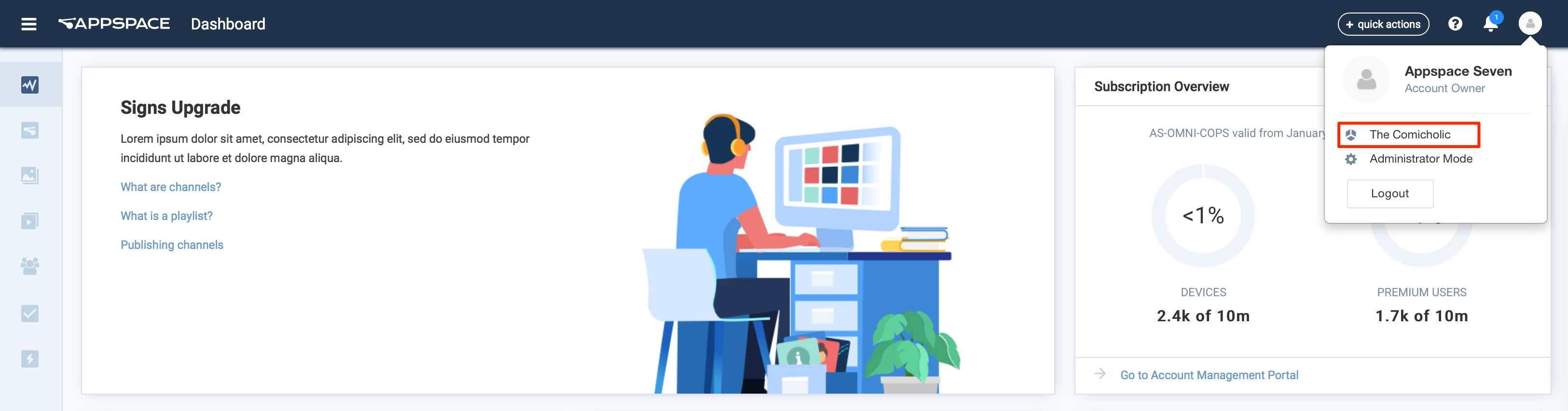
- Click the User icon on the Appspace Menu bar, and click the Network name link.
- In the Change Network window, select the desired network to switch, and click Apply.