


This article provides the instructions to set a default home network.
Prerequisites
- Network Administrator or Account Owner permissions required.
Set the Home Network
If you have access to multiple networks, you have the option to select a Home Network, which allows you to set the default login network.
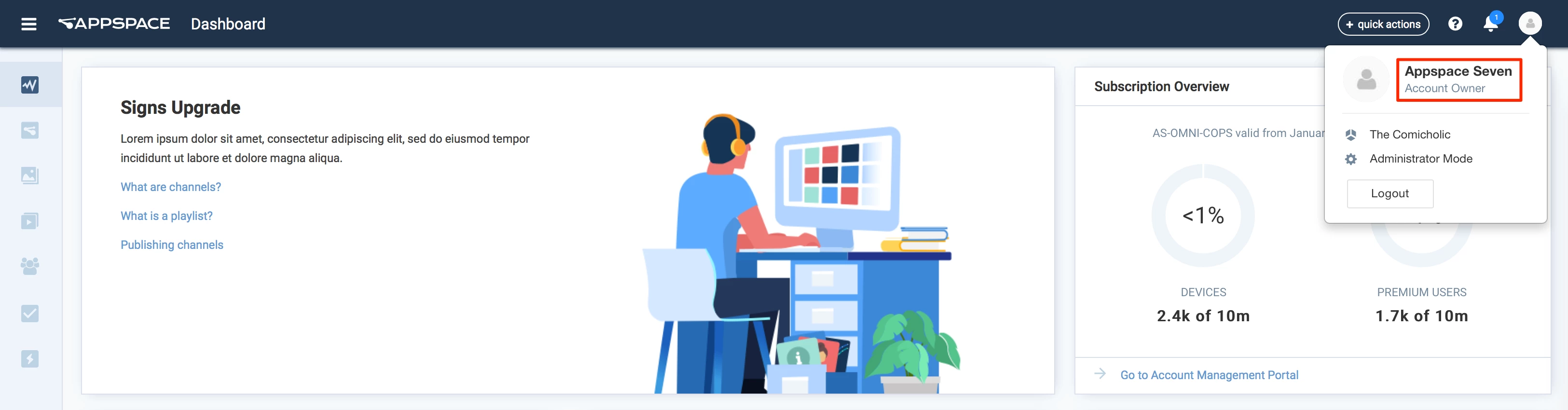
- Click the User icon and the User name link.
- In the Edit User Profile Details page, click the Change Network link, and in the Network window, select the desired network from the network tree, and click OK.
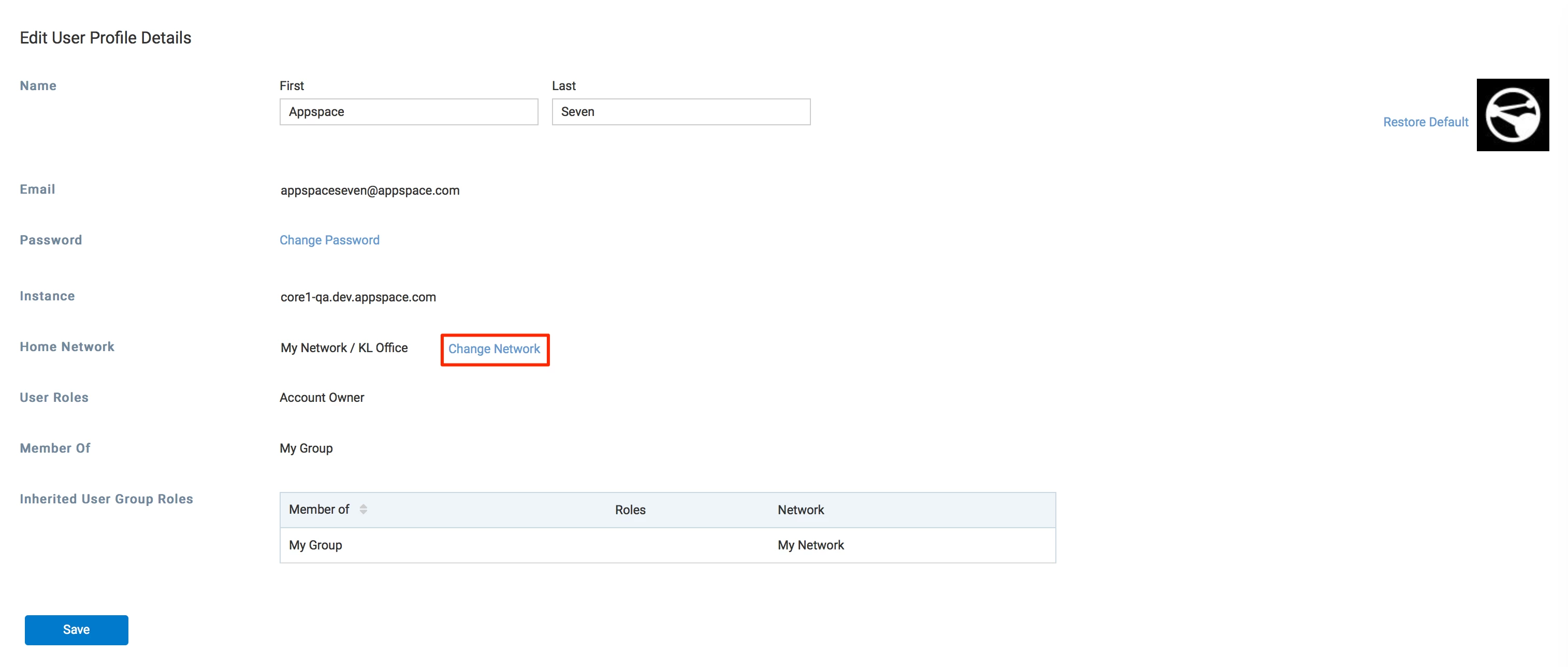
- Click Save once done.