



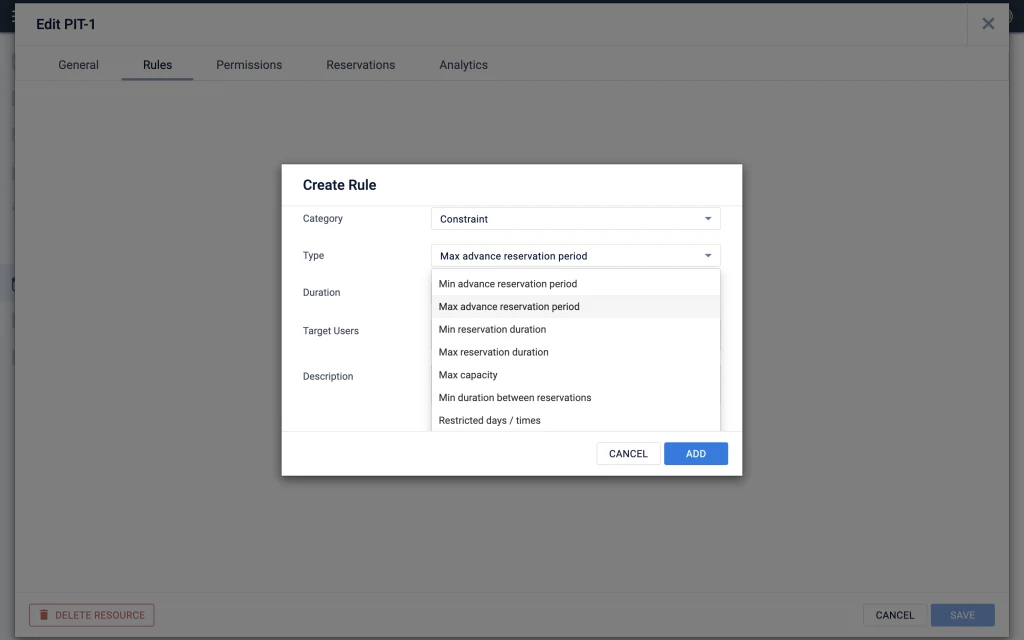
How can we only allow bookings during working hours and not on weekends or holidays?

Question
Holidays and Weekends



Sign up
Already have an account? Login
Choose an option below to login:
Partners: If you do not have an Appspace login, please contact community@appspace.com for assistance.
Appspace Employees Customers and PartnersLogin to the community
Choose an option below to login:
Partners: If you do not have an Appspace login, please contact community@appspace.com for assistance.
Appspace Employees Customers and PartnersEnter your E-mail address. We'll send you an e-mail with instructions to reset your password.