


This article provides instructions to unregister devices from Appspace. You may use one of the following options:
To unregister the device, you must have one of the following user roles:
- Portal Administrator
- Account Owner
- Network Administrator
Unregister Devices from Appspace Platform
- Log in to the Appspace console.
-
Click Devices from the Appspace menu.
-
Select the desired devices you wish to unregister, and click the Unregister button.
-
Click OK to confirm unregistration of the devices.
Unregister Devices from Appspace App
-
On the Appspace App, access the Device Menu via one of the following:
-
Using a keyboard, press the ‘Ctrl + Alt + M’ keys.
-
On touch screen displays, tap once on each corner of the screen, clockwise, beginning at the top right corner, and finally tap the top right corner three times.
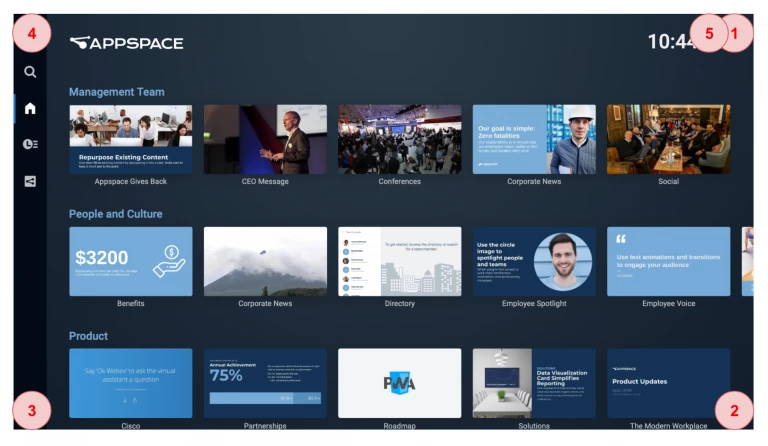
-
- Click Unregister from the Device Menu.