



| 1. Log into Webex Control Hub at https://admin.webex.com/login. | 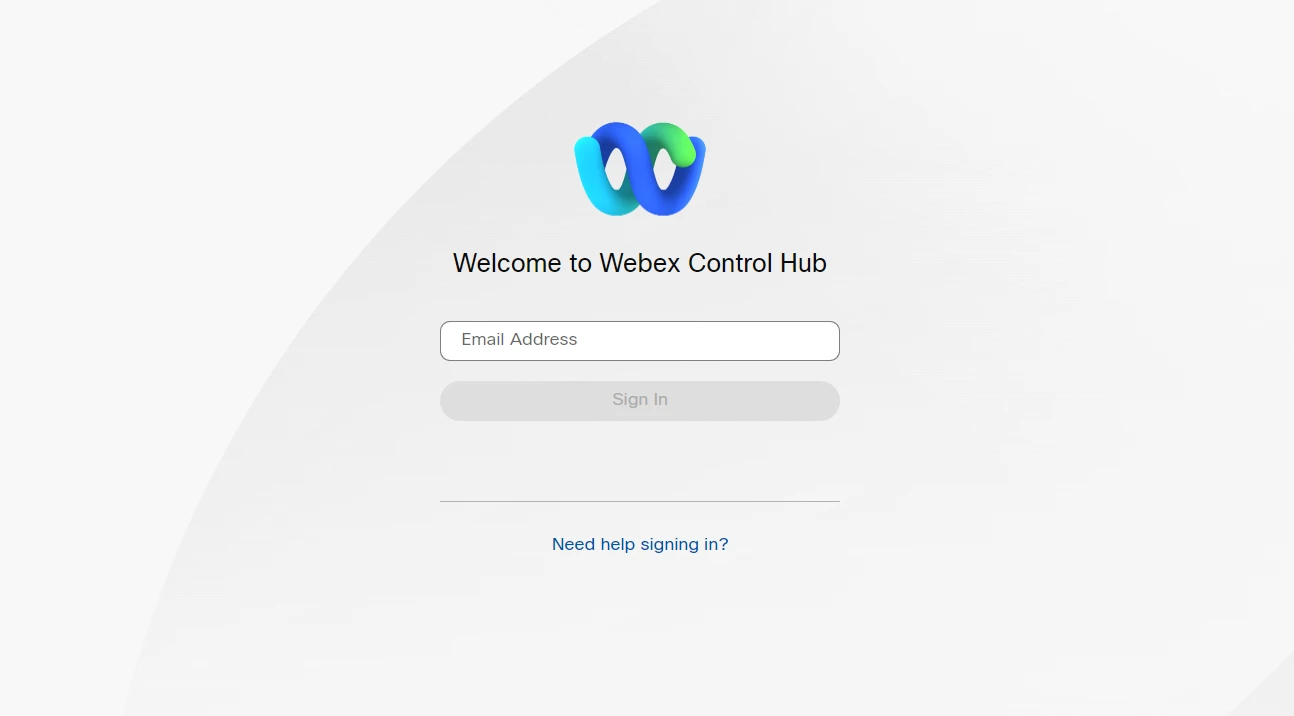
|
| 2. Select the Devices component on the left. Then select the device that is having issues from the list. | 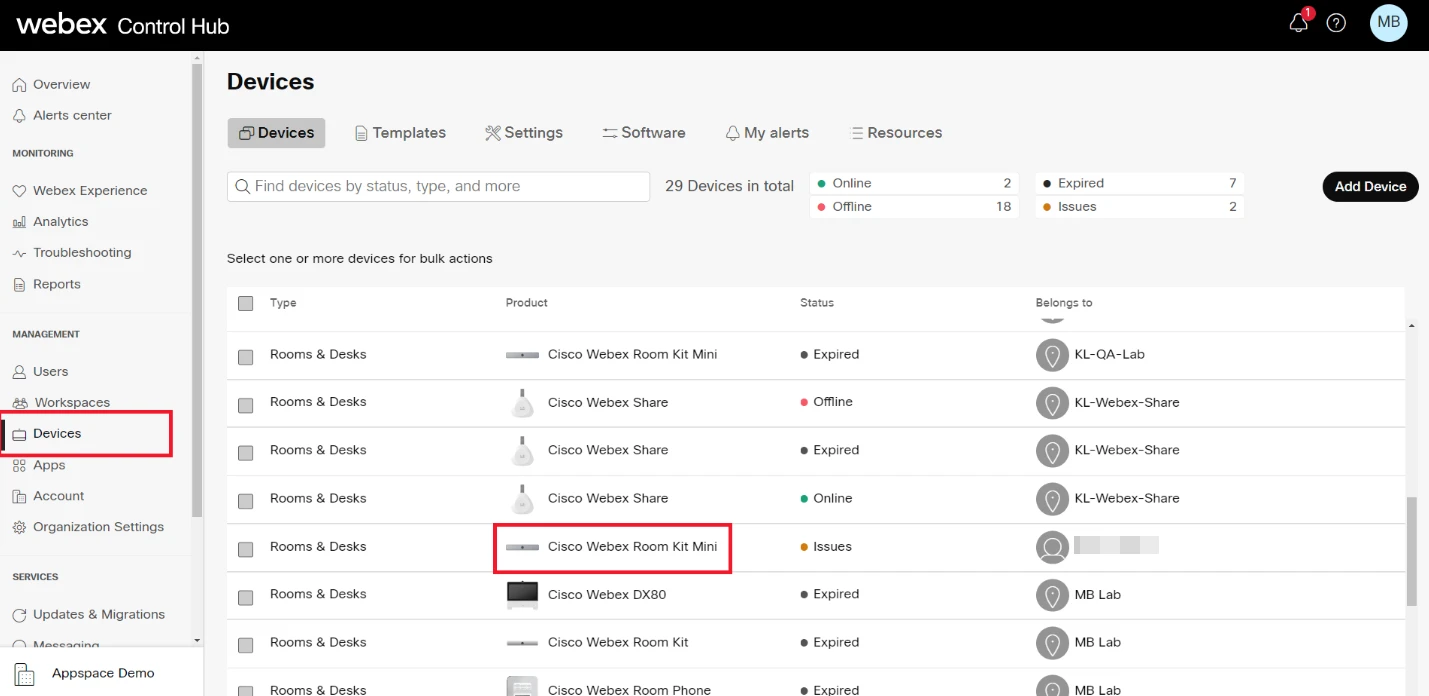
|
| 3. Under the Support subsection, select Manage from the Device Logs module | 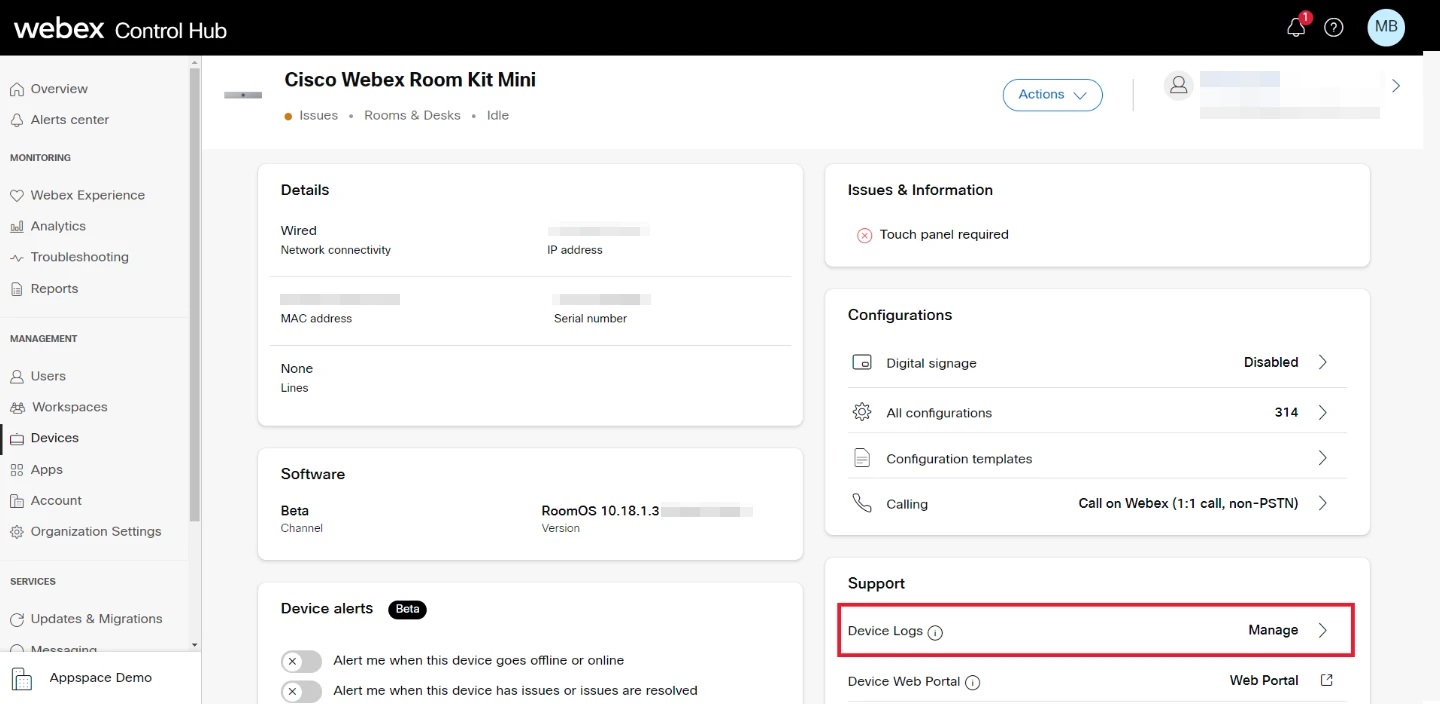
|
| 4. Logs for these device are generated on demand. Click Generate Log to produce a new set of logs. Note: This action takes some time to complete. | 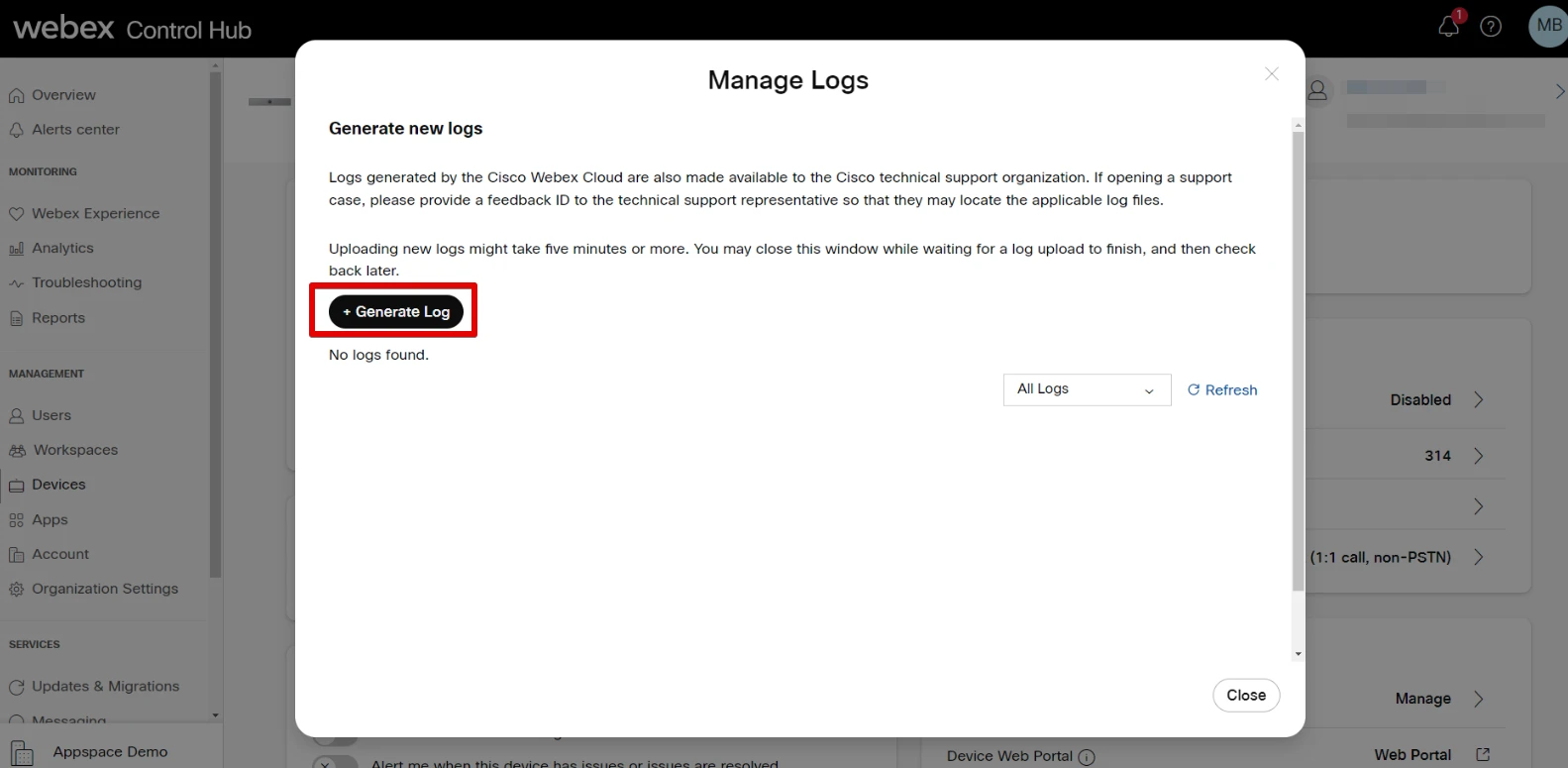
|
| 5. When complete, select Download to download the logs. | 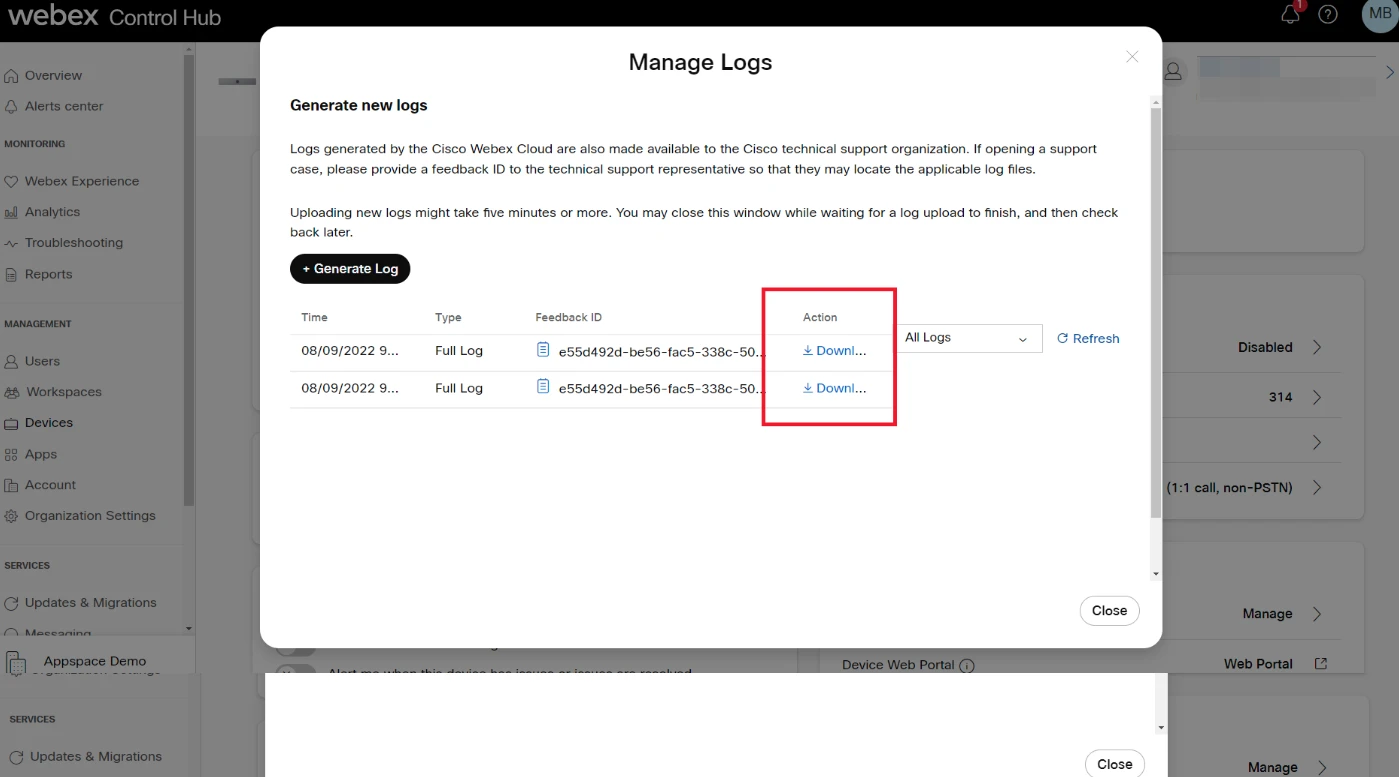
|

Support Documentation
How to Gather Device Logs (All Webex Control Hub [WCH] Device Types)
- Support Documentation | Customer Care
Sign up
Already have an account? Login
Choose an option below to login:
Partners: If you do not have an Appspace login, please contact community@appspace.com for assistance.
Appspace Employees Customers and PartnersLogin to the community
Choose an option below to login:
Partners: If you do not have an Appspace login, please contact community@appspace.com for assistance.
Appspace Employees Customers and PartnersEnter your E-mail address. We'll send you an e-mail with instructions to reset your password.