What devices are compatible with Appspace?
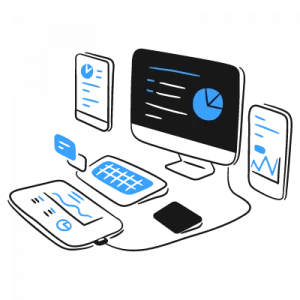
Appspace is designed to work with a wide range of devices, including:
- Media players: BrightSign, ChromeOS devices, Android devices, Windows devices, and more.
- Smart TVs: Samsung Tizen, LG webOS, and other smart TVs with built-in web browsers.
- Mobile Devices: iOS and Android devices can be used to access the Appspace App for content viewing and remote management.
How do I register a new device in Appspace?
The process may vary slightly depending on the device type, but generally involves the following steps:
- Install the Appspace App or configure the device’s web browser to access Appspace.
- Enter the provided activation code or URL to initiate registration.
- Follow the on-screen prompts to complete the registration process.
How can I monitor and manage my Appspace devices remotely?
Appspace provides a centralized dashboard where you can monitor the status of your devices, view device logs, and manage content remotely. You can also push updates, troubleshoot issues, and even reboot devices from the dashboard.
What are "device properties" in Appspace and how can I use them?
Device properties are attributes that describe a device, such as its location, capabilities, or assigned channels. You can use device properties to organize and target content to specific devices or groups of devices.
How can I troubleshoot common device issues like connectivity problems or content playback errors?
Appspace offers several resources for troubleshooting device issues, including:
- Device Logs: Check the device logs for error messages or warnings that may indicate the cause of the problem.
- Online Knowledge Base: Search Appspace’s knowledge base for articles and guides on troubleshooting common issues.
- Support Team: Contact Appspace’s support team for further assistance if you’re unable to resolve the issue on your own.