



If you've recently reactivated your account that was expired for a significant period, you might encounter issues with your content library. This article explains why this happens and what steps to take for resolution.
Why Isn’t My Content Migrating?
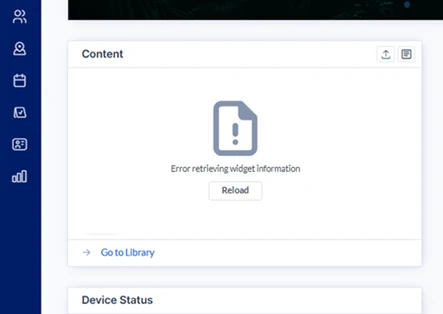
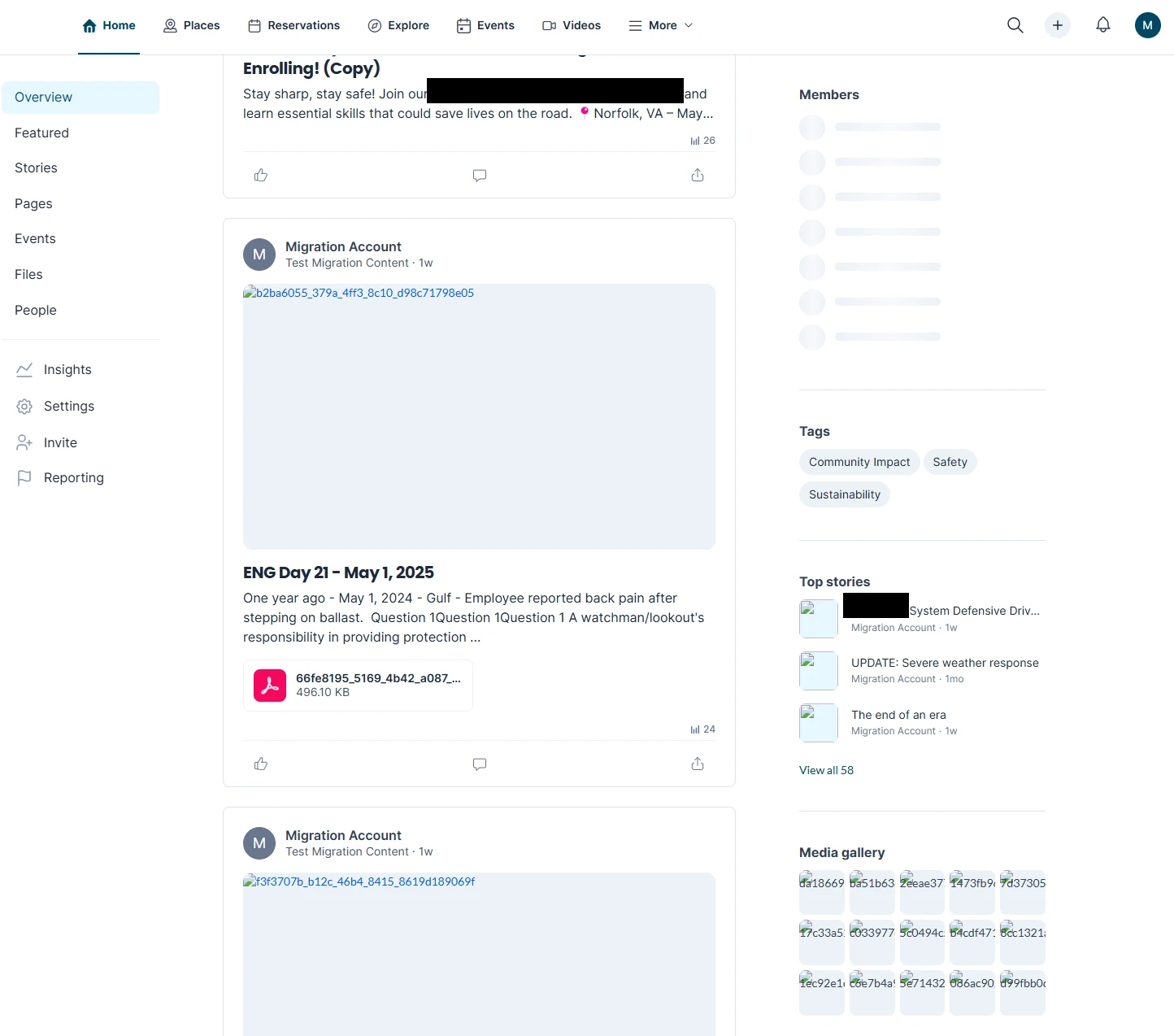
Our Content Library Migration Phase 2 is not designed to automatically migrate accounts that have been expired for an extended duration and then recently reactivated. This is due to specific legal considerations. When such an account isn't migrated properly due to this barrier, customers will experience issues such as missing images or content. These issues may appear as “Error retrieving widget information” or simply show up as a long text/number string where the client’s images on their posts should be.
From Dashboard:
From Employee Comms:
How to Resolve This Issue:
To fix this, the migration for the reactivated account needs to be triggered manually. Please escalate this issue to the software engineering team. They have the ability to manually initiate the required migration process to ensure all content is properly transferred.
Linked Cases/Escalations:
-
00131266/AE-12329: Content Library Not Loading
- 00131713/AE-12438: Content in Channel and Employee App is Not Showing