




Modernized Digital Signage Channels: A Quick Overview
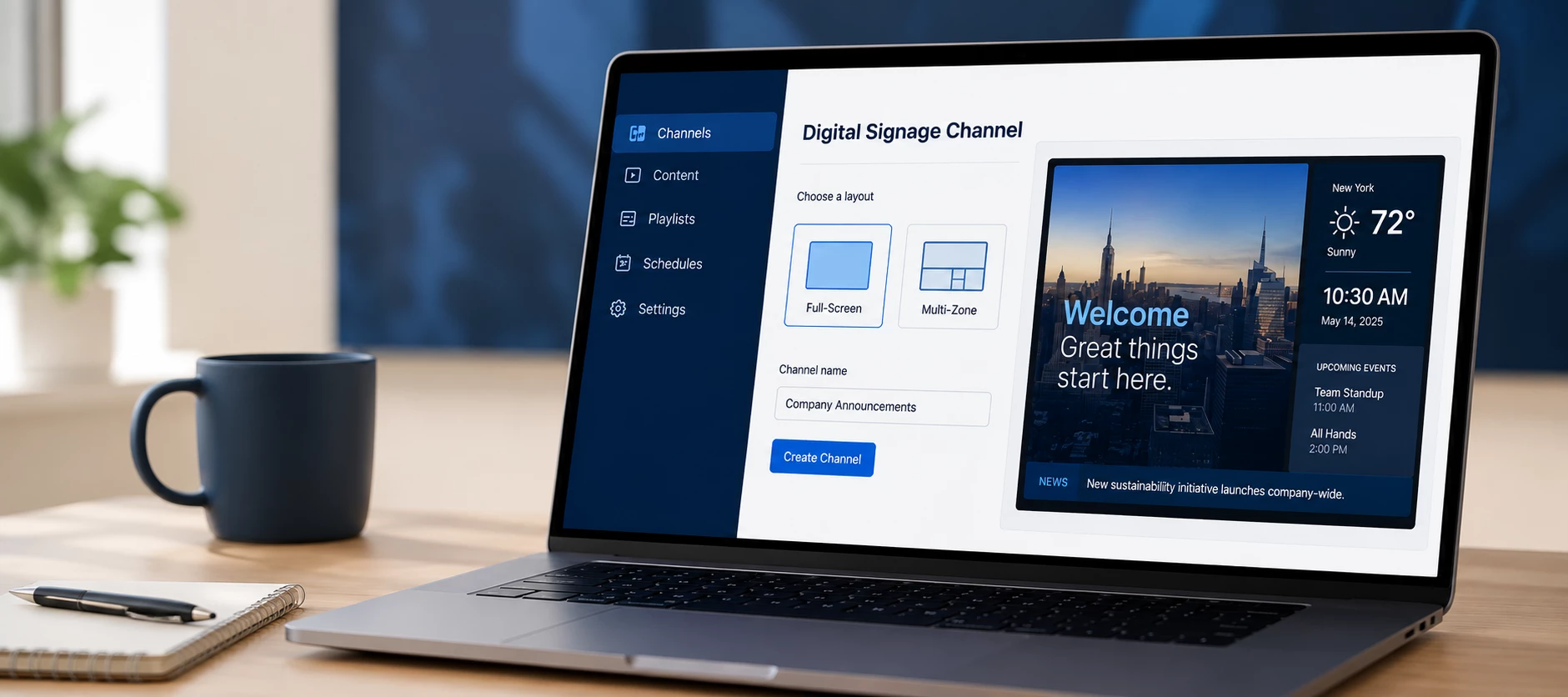
The modernized Digital Signage Channel brings a more unified approach to creating and managing digital signage in Appspace.
In this quick overview, you'll see what's changing, how to create a Digital Signage Channel, and where to find additional training when you're ready to explore the available layouts and settings in more detail.
What You'll See in the Video
The walkthrough provides a quick look at the modernized channel experience, including:
- How Digital Signage Channels fit into the evolving signage experience.
- The difference between full-screen and multi-zone layouts.
- How to create a new Digital Signage Channel.
- How to add content using the familiar channel workflow.
- How to switch between full-screen and multi-zone layouts.
- Where to find more detailed Digital Signage training in Skillspace.
A More Unified Signage Experience
The goal of the modernized experience is to make digital signage easier to learn, implement, and manage by bringing more signage capabilities together within the Digital Signage Channel.
Depending on your Appspace environment and release schedule, the channel options available to you may look slightly different. Some environments may continue to display Playlist Channels alongside the newer Digital Signage Channel experience while the transition progresses.
Full-Screen and Multi-Zone Layouts
When creating a Digital Signage Channel, you can choose the layout that best fits your signage experience:
- Full-screen — Display content across the entire screen.
- Multi-zone — Build layouts that allow different content areas to appear on the same screen.
You can also manage layouts from the channel settings and move between full-screen and multi-zone configurations as your signage requirements change.
Continue Learning in Skillspace
This video is intended as a quick introduction rather than a complete walkthrough of every Digital Signage Channel capability.
For detailed guidance on creating channels, working with full-screen and multi-zone layouts, and configuring playout properties, access the Modernized Digital Signage Channel training available in Skillspace.
You can access Skillspace from your Appspace environment using the question mark (?) menu.
Need Additional Help?
After reviewing the Skillspace training, contact your Appspace representative if you have additional questions about using the modernized Digital Signage Channel in your environment.