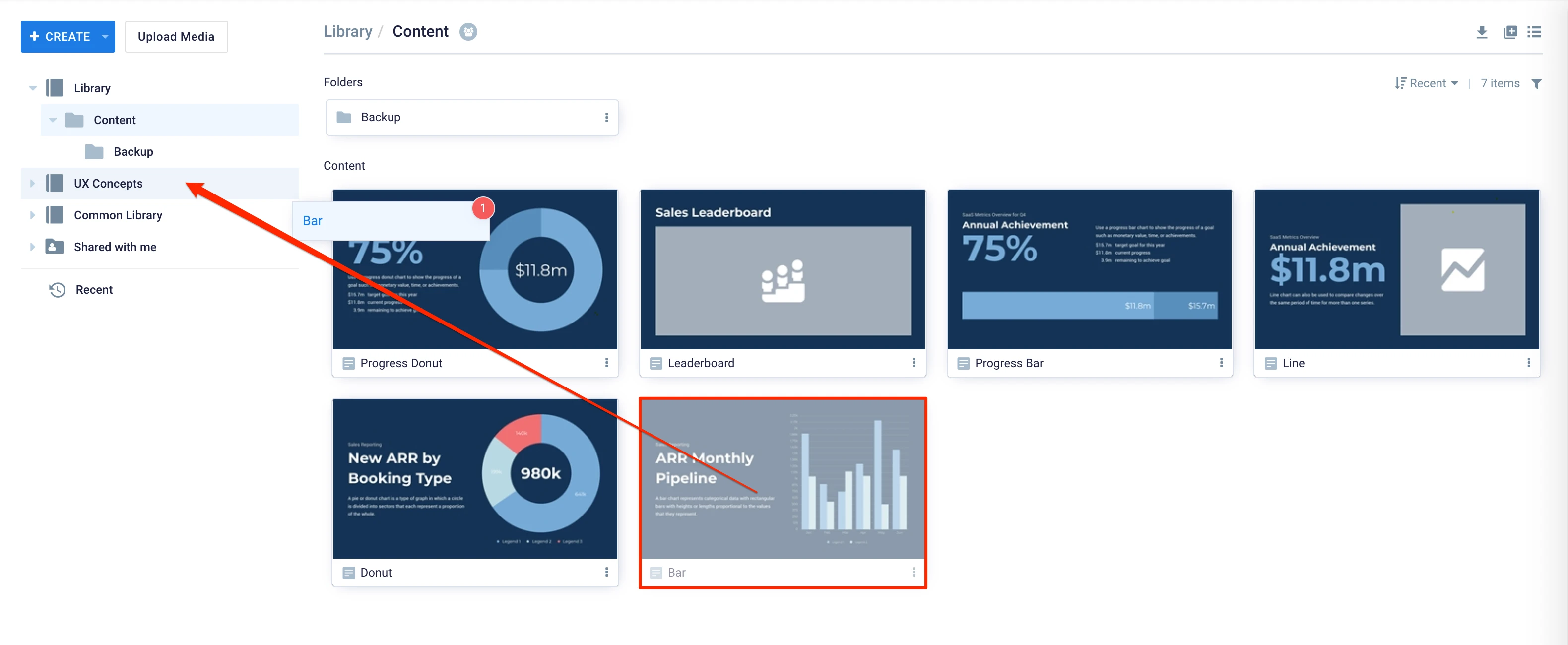



This article provides instructions to copy selected content, or multiple contents residing in a folder within the same user library, or from one user library to another, in Appspace 8.0.
Note
Find out more about the Library in the Browse and Navigate Library i article.
Prerequisite
- Account Owner, Channel Publisher, Channel Editor, or Content Producer (Author) role to add or edit content/folder in Library.
Warning
- When content and folders are selected to be copied, only the content is copied, as the copy function currently does not support copying folders.
- Content dragged and dropped within the same library will cause the content to be moved, rather than copied. You can only copy content across different group libraries.
Copy Content Within Same Library
Follow the instructions below to create content copies:
- Log in to the Appspace console and click Library from the ☰ Appspace menu
- Browse the library and its folders, or simply search by name, type, location, or tags.
- You may create a copy using one of these options:
- Right-click on the selected content and select Create Copy.
- Click the ellipsis icon on the desired content and select Create Copy.
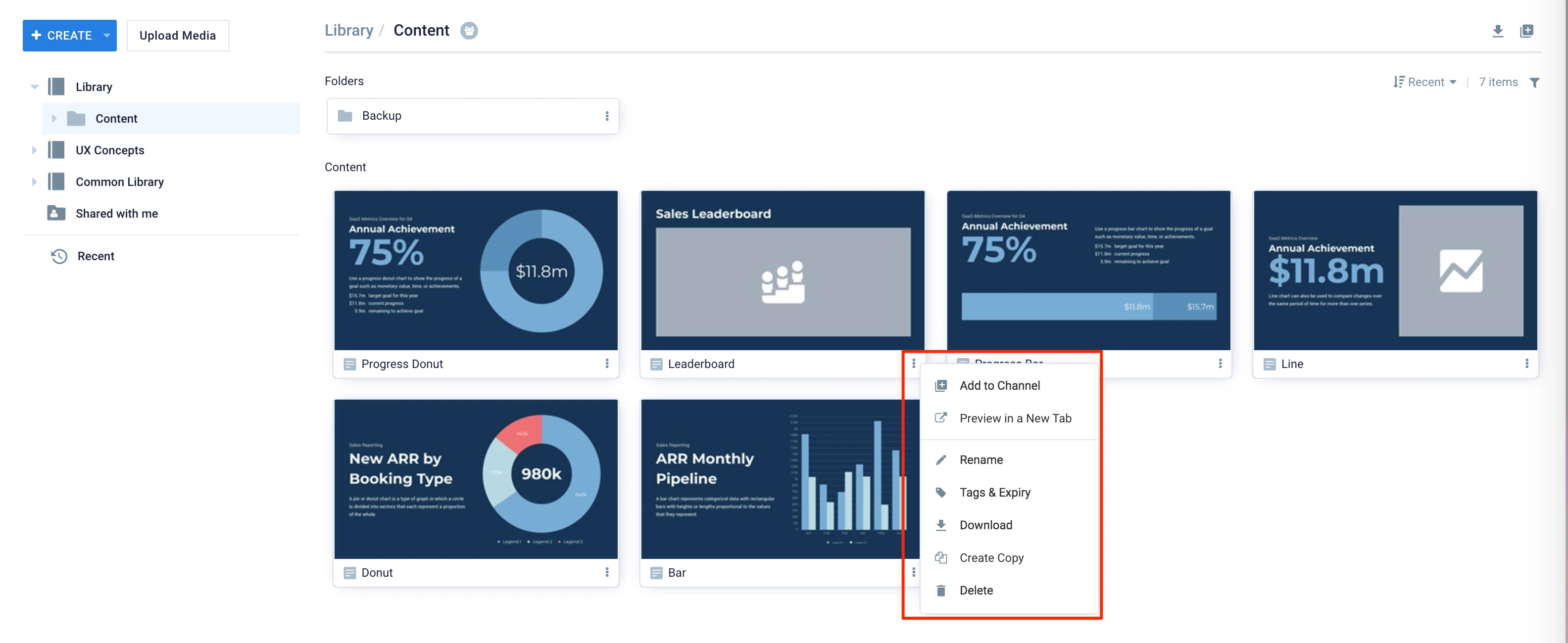
- Use the mouse pointer to select multiple contents on the library dashboard, and right-click on the selected content, and select Create Copy.
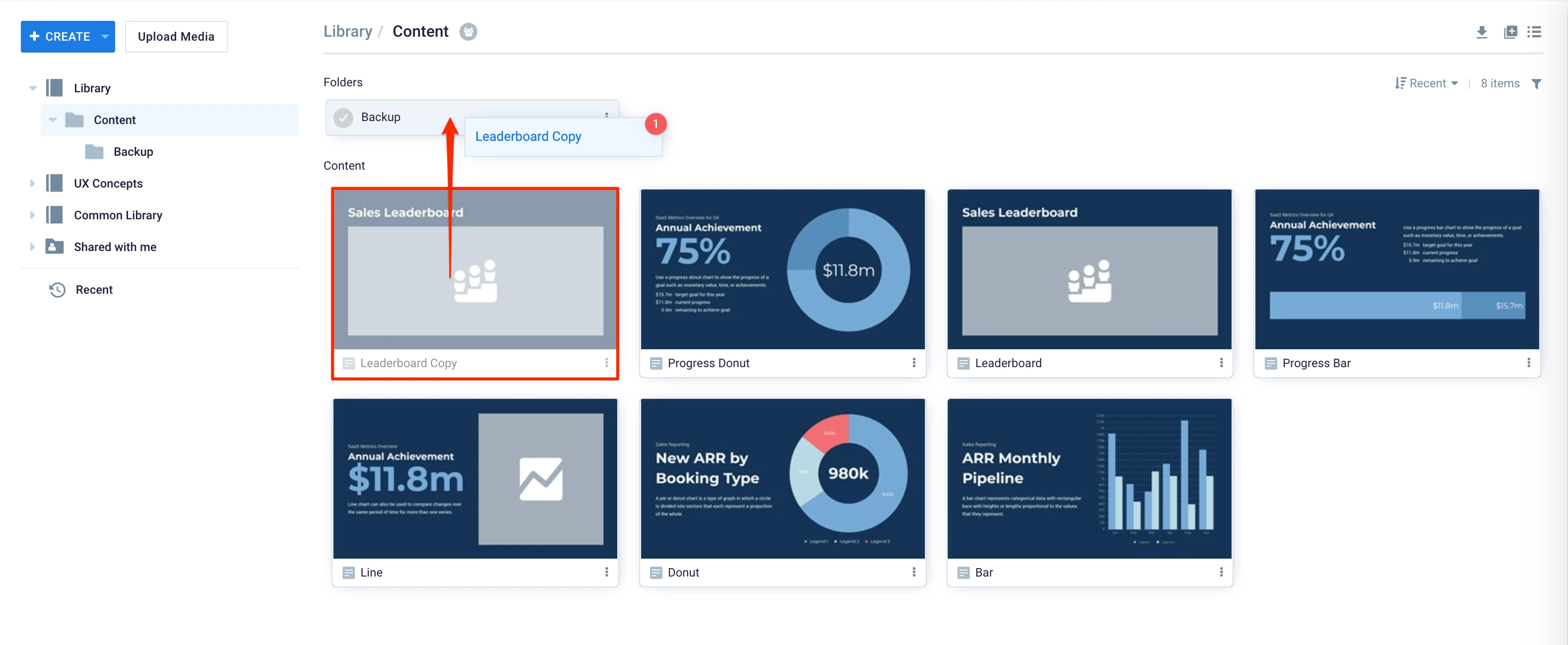
- Select the copied content and drag-and-drop it to a different folder residing in the library.
Copy Content to Another Library
Follow the instructions below to create content copies and move it to another user library:
- Log in to the Appspace console and click Library from the ☰ Appspace menu
- Browse the library and its folders, or simply search by name, type, location, or tags.
- Select the content to be copied.
- Simply drag-and-drop it to a different library or a folder residing in a different library.