Question

Logitech Tap Scheduler issue

  • October 21, 2025
  • 3 replies
  • 144 views

Hi all,

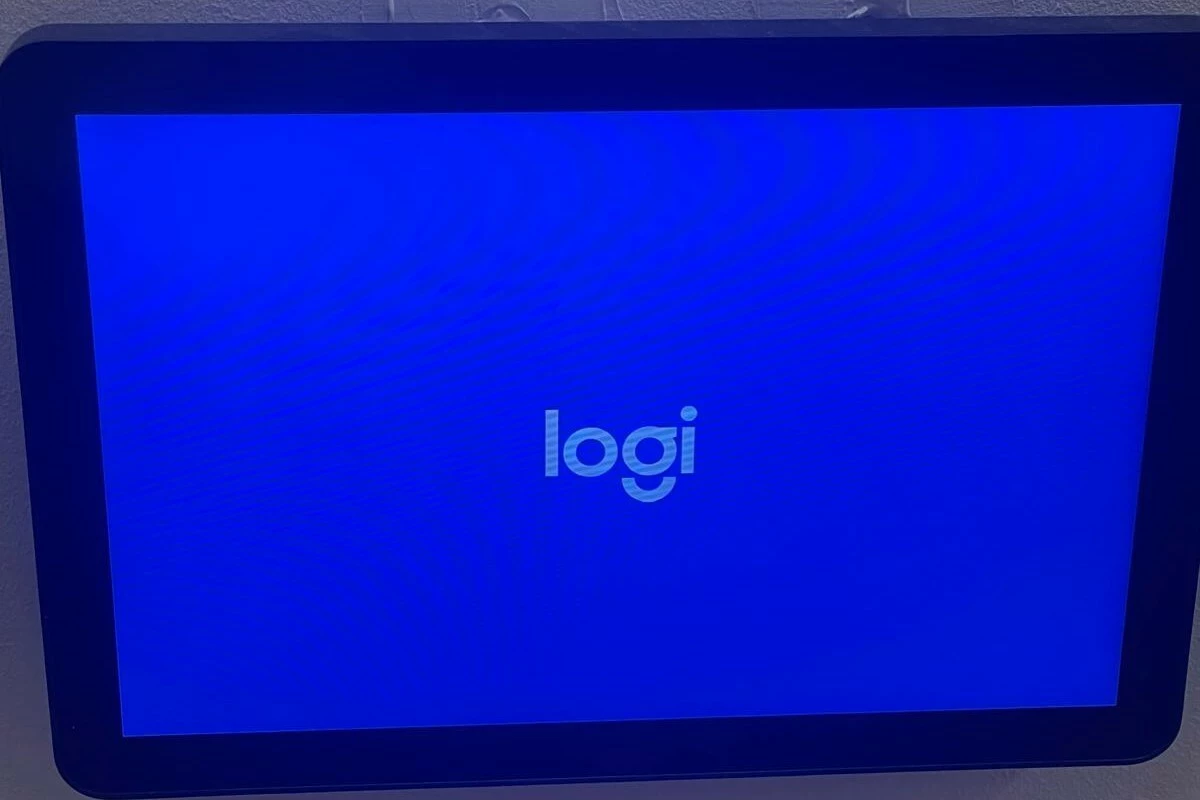
We’re experiencing an issue with the Tap Scheduler panels in some of our meeting rooms. Overnight, the screens turn blue and only display the Logitech logo. They then require a manual reset in the morning.

We’ve already pushed the latest available firmware CollabOS 1.15 update as recommended, but unfortunately, it hasn’t resolved the issue.

Any advice would be appreciated. 

3 replies

Dawn Wayland
Forum|alt.badge.img
  • Community Manager
  • October 21, 2025

@Mishka I am sorry you are experiencing issues.  I reached out to a colleague to see if he had any insight and he suggested the following troubleshooting tips:

  1. What App version are these devices running?
  2. Check the channels to see what content is loading to make sure the devices are set correctly.
  3. See if there are any broadcast firing that were there for some type of testing.

If we can’t narrow down with the above, we will need the following information included in a support ticket:

  1. I would also run a device log report and also provide a screenshot of the device screen in the morning before they reset the device.
  2. Can you define "Reset the Device".  Is that a reboot?
  3. Can you give a list of the "Some of the Rooms".  This could be a network issue on your end. 

  • Author
  • New Participant
  • October 22, 2025

Hi ​@Dawn Wayland thanks for the reply.

The affected Tap Scheduler panels are currently running CollabOS version 1.15.132, and the channel assignment appears to be correct.
Out of 125 panels, around 15 on one floor are experiencing this issue where the screen turns blue overnight and only displays the Logitech logo. A manual reboot (holding the button until the device restarts) temporarily resolves the issue, but it tends to recur after a day or two.
According to the Logitech platform, the panels fail to reconnect properly after attempting updates during the night. Example of the rooms are S-G29, S-G34 and S-G35.

I’ve already raised this with your support team. They couldn’t identify any issues and recommended a firmware update, which we’ve applied. Our network team has also confirmed that there are no connectivity problems.


Dawn Wayland
Forum|alt.badge.img
  • Community Manager
  • October 22, 2025

@Mishka hi there, thanks so much for the detailed information and for letting us know what you've already tried.

We've looked into your case history and aren't seeing an open support case for this specific issue. Is it possible it was logged under a different company name or contact person?

Regardless, we understand the urgency. We've gone ahead and escalated this directly with our Customer Care team to thoroughly investigate the recurrence of the blue screen, especially since your network team has confirmed connectivity is fine and the firmware is up to date.

Our Customer Care team will be in touch shortly with an update regarding your escalated case and next steps.