
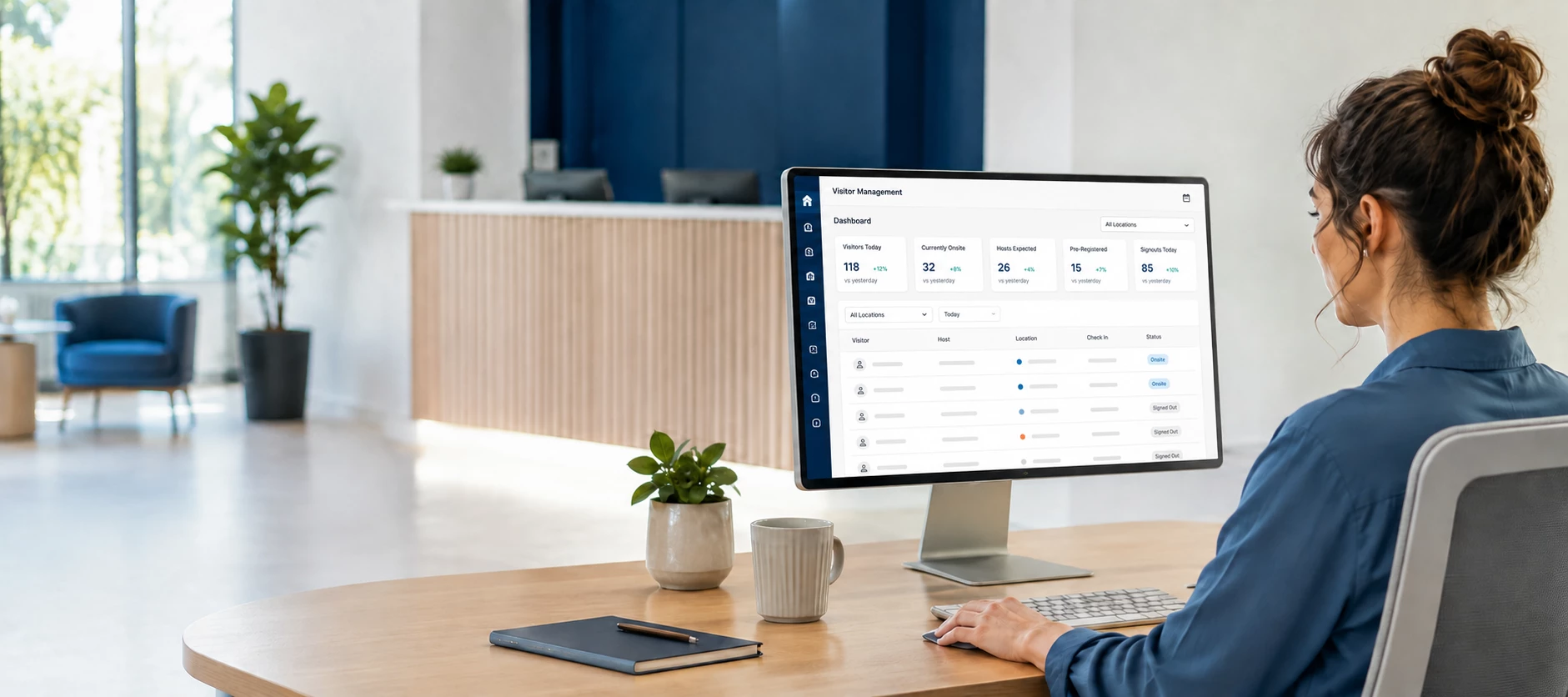




The Visitor Management Dashboard provides a centralized view of visitor activity across your Appspace environment. Unlike some other dashboards, visitor metrics are displayed at the account level rather than being filtered to a user’s assigned home location.
NOTE: This means users with the appropriate permissions may see visitor information from multiple locations, even if their assigned location has little or no visitor activity.
How Visitor Dashboard Data Is Scoped
The Visitor Management Dashboard aggregates visitor information across your Appspace account.
- Dashboard metrics display account-wide visitor information.
- Home location does not limit the dashboard metrics displayed.
- User permissions determine whether a user can access visitor activity across the account.
This behavior is intentional and provides administrators with a broader operational view of visitor activity.
What Happens When You Change a User’s Home Location?
Changing a user’s assigned home location does not change the scope of the Visitor Management Dashboard.
| Change | Result |
|---|---|
| Assign a different home location | The dashboard continues displaying account-wide visitor information. |
| Move a user to another building or region | Visitor dashboard metrics remain unchanged if the user’s permissions remain the same. |
| Select a location with no visitor activity | The dashboard may still display visitor information from across the account. |
Example Scenarios
Scenario 1: Home Location Has No Visitors
- A user’s home location has not processed any visitors.
- The Visitor Management Dashboard still displays visitor activity occurring elsewhere in the Appspace account.
Scenario 2: Multiple Office Locations
- An organization manages visitors across several offices.
- Administrators can use the dashboard to view visitor trends across the organization instead of monitoring each location separately.
Scenario 3: Regional Administrator
- A user’s home location is assigned to one region.
- If the user’s permissions allow access, the Visitor Management Dashboard continues displaying account-wide visitor metrics.
Common Questions
Why am I seeing visitors from other locations?
The Visitor Management Dashboard is designed to display visitor metrics across the Appspace account rather than limiting the information to your assigned home location.
Does changing my home location filter the dashboard?
No. Changing a user’s home location does not change the scope of the dashboard data.
Why doesn’t the dashboard only show visitors from my building?
The dashboard provides an account-wide operational view. If you need information for a specific location, use the available reporting and filtering capabilities where applicable.
Is this expected behavior?
Yes. The Visitor Management Dashboard is designed to provide a centralized view of visitor activity across your Appspace environment.
Quick Reference
| If… | Then… |
|---|---|
| Your home location changes | The Visitor Management Dashboard continues displaying account-wide visitor information. |
| Your assigned location has no visitors | You may still see visitor activity from other locations. |
| Your organization manages multiple sites | The dashboard provides a centralized view across the account. |
| You need location-specific visitor information | Use reporting or filters designed for location-level analysis. |