
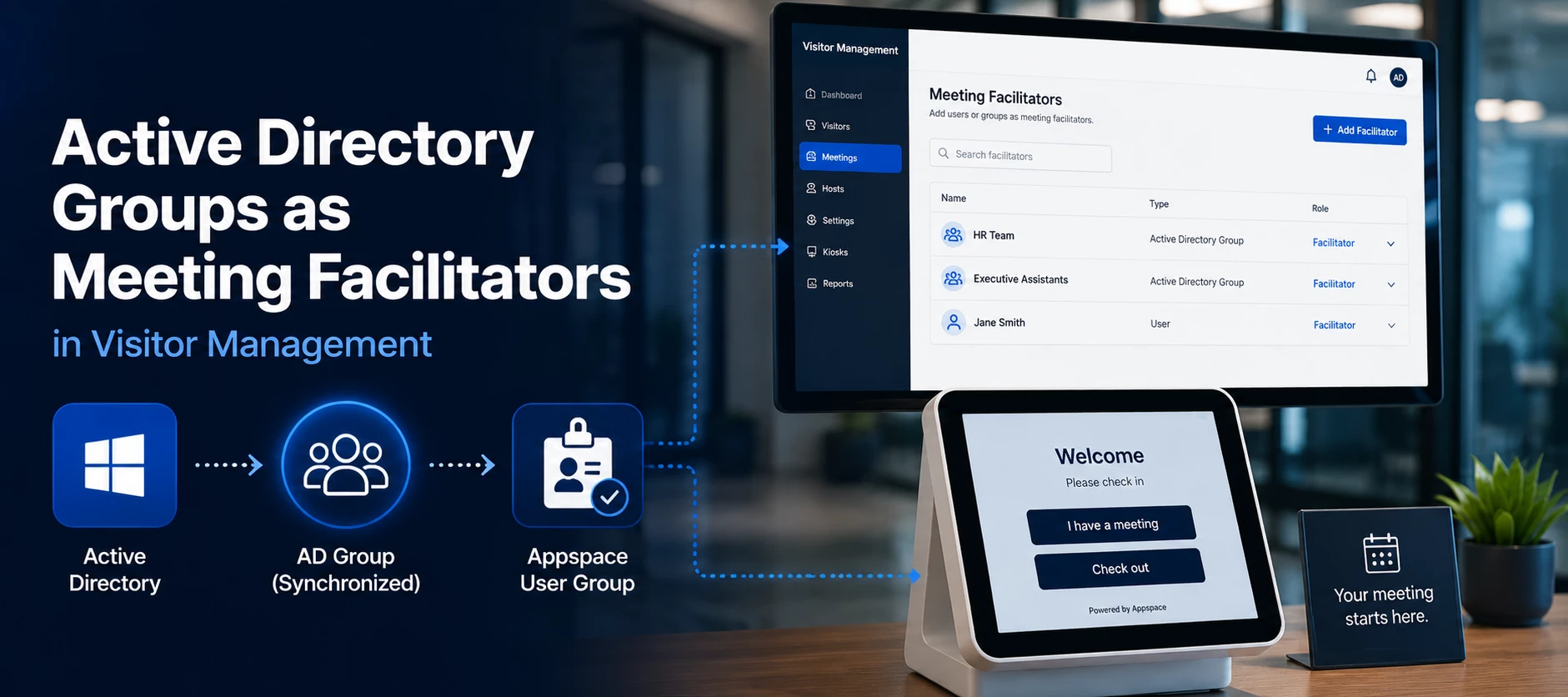



If your organization uses Azure/Entra, or another identity provider like Okta, with Single Sign-On (SSO) and SCIM provisioning, you can synchronize groups with Appspace and use them as facilitators in Visitor Management.
Short answer: Yes. After a group is synchronized to Appspace through SCIM, it becomes an Appspace User Group. That User Group, and all users in that group, can be assigned as a meeting facilitator by an administrator.
How it works
When SCIM provisioning is enabled, user groups from your identity provider are automatically synchronized with Appspace.
Once synchronized, these groups can be used to:
- Assign roles and permissions.
- Control access to Appspace features.
- Manage user access across the platform.
- Serve as facilitators in Visitor Management.
Requirements
Before assigning a group as a meeting facilitator, ensure:
- Your organization is using Single Sign-On (SSO), and you are leveraging Azure/Entra or Okta as the SSO provider.
- SCIM provisioning is configured.
- In Users > Settings > User Provisioning in Appspace, the Enable User Group Sync option is toggled on.
- The AD group is added to the Users and Groups section of the Appspace Single Sign-On app in Azure/Entra or Okta.
- The group has synchronized to Appspace.
- You have administrator permissions.
How do I assign the group as a meeting facilitator?
- Sign in to the Appspace console as an administrator.
- Navigate to your Visitor Management configuration.
- Locate the Meeting Facilitator setting.
- Select the synchronized Appspace User Group.
- Save your changes.
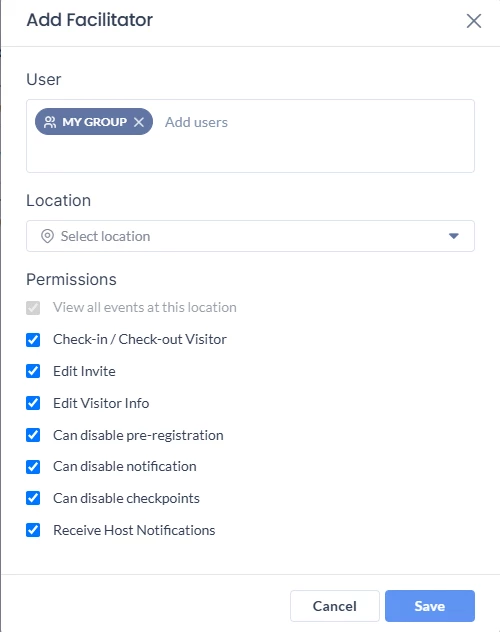
Assigning the group as a meeting facilitator
The members of that synchronized group can now be used as meeting facilitators.
Troubleshooting
The Active Directory group does not appear in Appspace.
Possible causes include:
- SCIM provisioning has not been configured.
- The group has not yet synchronized.
- The group is outside the provisioning scope configured in your identity provider.
Verify your SCIM configuration and confirm the group has successfully synchronized before attempting to assign it.
Quick reference
| Question | Answer |
|---|---|
| Can I use an Active Directory group? | Yes. |
| Does it work with Microsoft Entra ID (Azure AD)? | Yes, when synchronized through SCIM. |
| Is SCIM required? | Yes. |
| Is SSO required? | Yes. |
| Can I assign the group as a meeting facilitator? | Yes, after synchronization. |