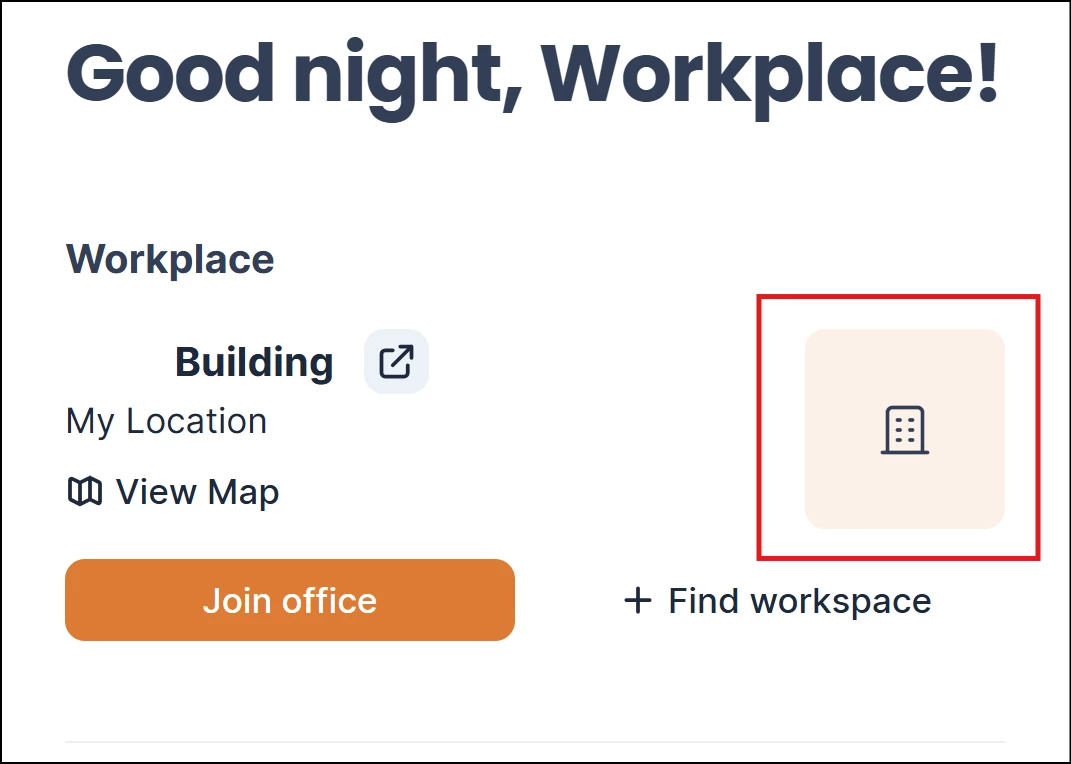
Appspace has enhanced the Workplace widget on the Employee App homepage to provide a more intuitive navigation experience. This update introduces a dynamic View Map button and makes the building photo interactive, both of which serve as direct shortcuts to the floor map view. To maintain a clean and relevant interface, these elements are context-aware: the button only appears, and the photo only becomes clickable, if a floor map has been officially uploaded for that specific building. This ensures that users are only directed to resources that are active and available.
Prerequisite
- An Appspace account.
- Supported web browsers for the Employee View.
Navigating the Workplace widget
The following instruction describes how to access the View Map button and the clickable photo:
- Login to Appspace console.
Note
For employee account, logging in directly leads to the Home page. Users with non-administrator account may skip to step 3.
- Click the user profile on the top right, and click Switch to Employee View.
- On the Home page, the Workplace widget is located on the top right of the page. The View Map button and the clickable photo is displayed on the widget as described below.
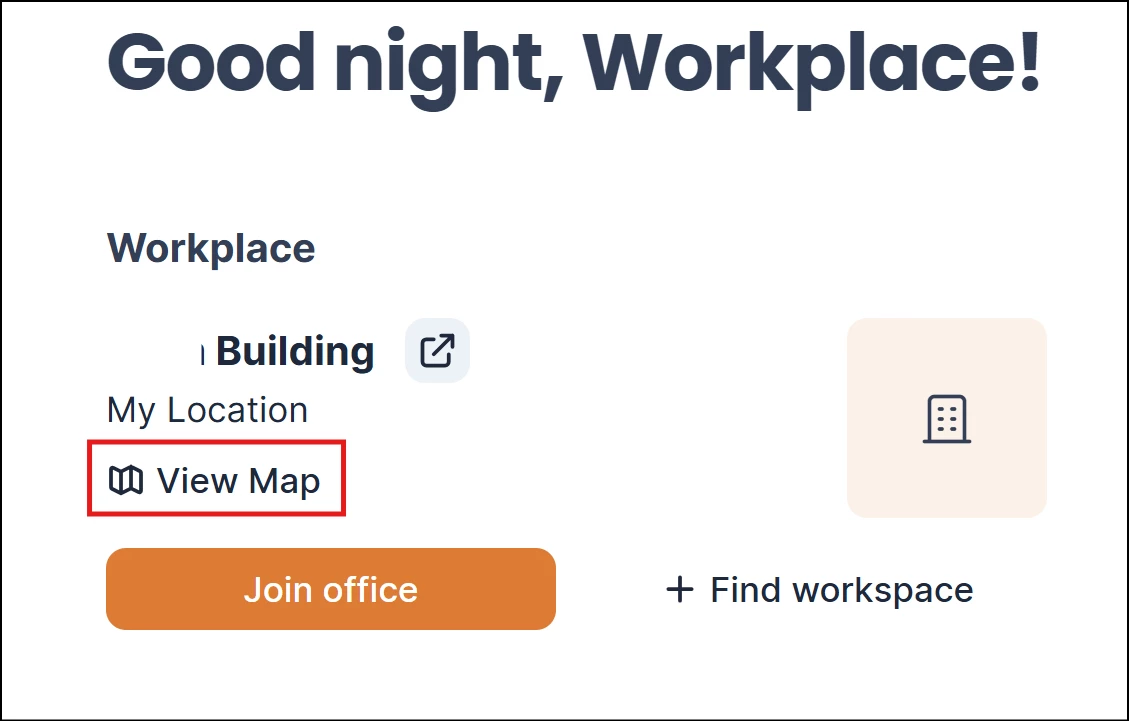
View Map Button
- Visibility: The button will only appear if the building associated with the widget has an uploaded floor map. If no map is available, the button remains hidden.
- Functionality: Clicking the button immediately redirects the user to the building map view with the default display settings.
Clickable Building Photo
- Interaction: When a widget is associated with a building that has an uploaded floor map, the building photo becomes a clickable element. Even if there is no photo uploaded, the placeholder image can be clicked to achieve the same result.
- Functionality: Clicking the photo redirects the user to the building map view.
- Fallback: If the building does not have an uploaded floor map, clicking the building photo will have no effect.