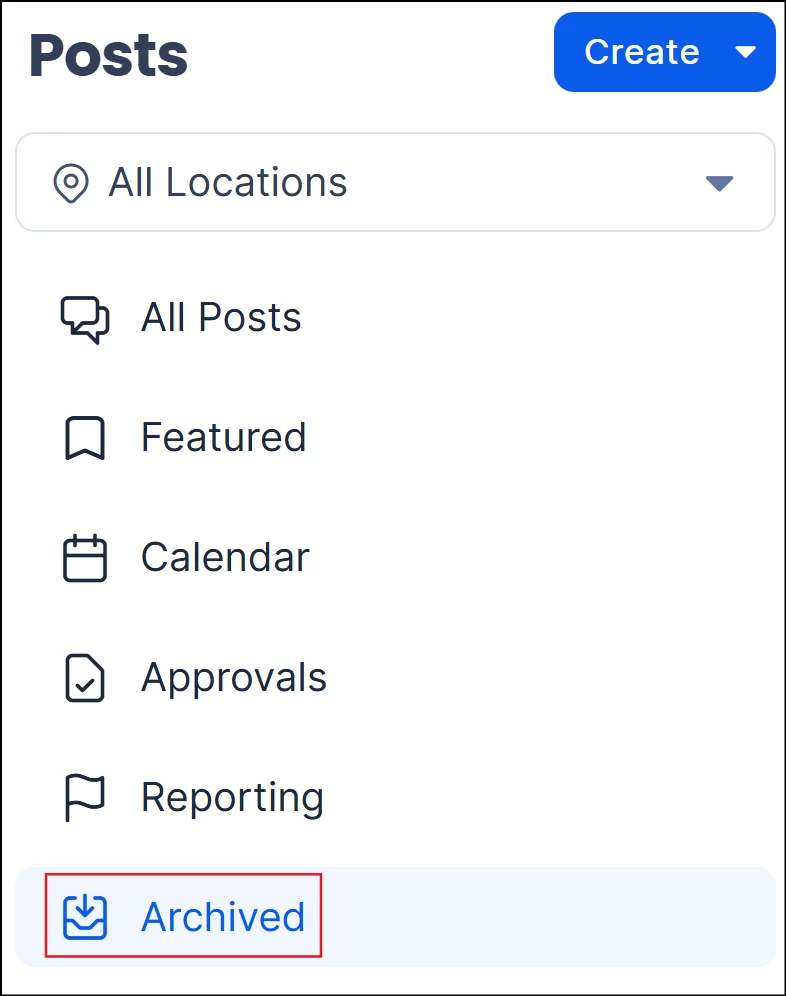
The Content Archival feature introduces a new way to manage the lifecycle of Pages and Stories by allowing content creators to move inactive content out of the active workspace without deleting it. By archiving content, users can keep their content library clean and focused while safely retaining older materials for compliance, record-keeping, or future reuse
How it works
Content creators can use Archive to remove a Page or Story from active publishing while retaining it for later use. Archived content remains separate from deleted content and can be accessed from the Archived view.
(New) Use Delete when the content is no longer needed. Deleting a Page or Story moves it to Trash, where it remains recoverable for 14 days before it is automatically permanently deleted. During this period, users with the appropriate permissions can restore the content and metadata, including its previous lifecycle state, version history, permissions, tags, translations, and narration audio.
Archive and Trash serve different purposes:
- Archive – Removes the content from active publishing and retains it indefinitely in the Archived view for future use.
- Trash – Removes deleted content from active publishing and stores and keeps it recoverable for 14 days before automatic permanent deletion.
- Permanently Delete – Irreversibly removes an item that is already in Trash. This action is available only to administrators.
When a Page or Story is archived:
- The content is removed from all active channels, communities, and topics (any space where the content appeared).
- The item is no longer visible in the main content library.
- The content remains available in the Archived view.
Archived content can be restored at any time, allowing teams to reuse or revise content without recreating it from scratch.
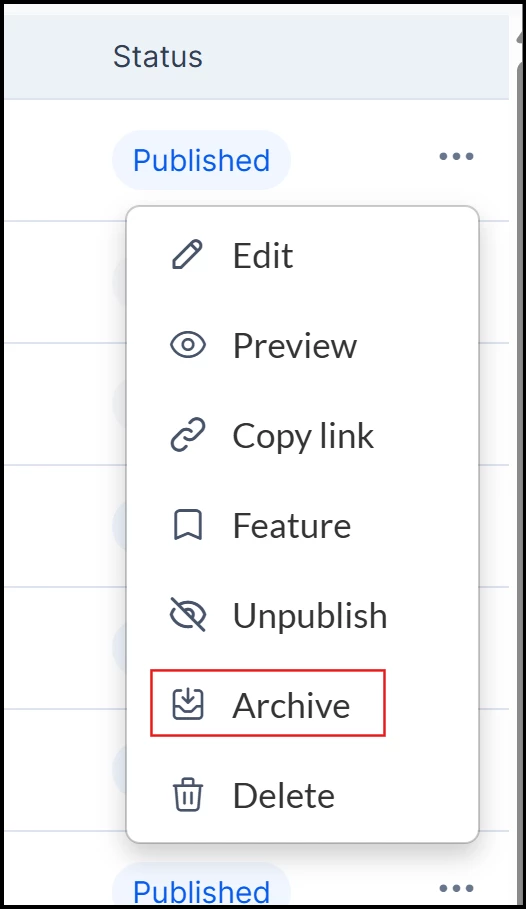
Supported Content Types
- Pages: Archive and unarchive Pages directly from the content library.
- Stories: Archive and unarchive Stories using the same workflow.
Managing Archived Content
A dedicated Archived filter or view allows users to easily browse and manage all archived Pages and Stories, with each item clearly labeled with an Archived status for instant identification. Users can access and manage their archived content from both their user profile and the admin console. This feature enables users to unarchive content, returning it to a draft or unpublished state for further editing or republishing as needed.